
I wrote a novel on a server, then typeset and printed it from a Steam Deck
Oscar reflects on writing from a server, printing from a Steam Deck, and why local-first, cross-platform publishing tools matter for long-form creators.
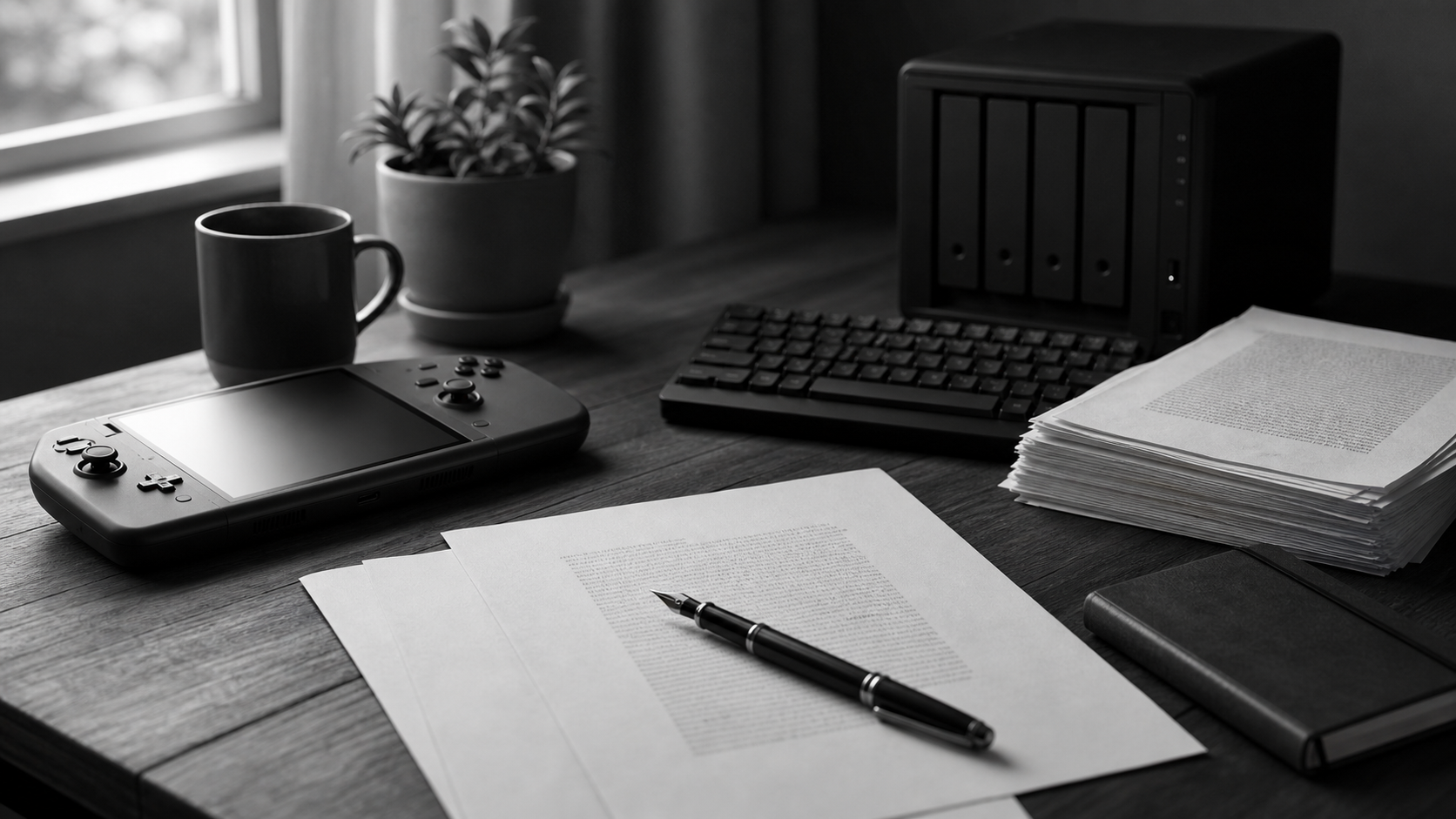
The first time I clearly felt that a device could change how far a writer gets, it happened on an ordinary evening. I opened a terminal, connected to my own server, and kept working on a small sci-fi thriller novel. The screen did not give the moment any ceremony. Files on one side, an editor on the other, a few sentences in the middle that I had just deleted and rewritten. Chapter titles lined up like an unfinished road. I left the cursor at the end of a line of dialogue, listened to the low fan noise from the machine near me, and felt the story keep breathing somewhere out on that server.
I have always liked writing on a server. It loosens the manuscript from any one device. If I can connect, the story is there: from a desktop, an old laptop, or a small screen. The server feels like a room with a light left on. No matter which road the writer takes back, the door is still there. Writing gains a little less dependence on a standard setup, and a little more freedom to step in whenever the work calls.
I also like plenty of cloud-synced note tools. They are light, fast, good for catching ideas, and good at moving between devices. But the programmer in me has one stubborn habit: for work that truly matters, I want a private backup on my own server and in my own local environment. I want to know where the files live. I want to know I can open them years from now. I want to know the structure has not been swallowed quietly by one app’s interface. Markdown became the natural choice for me. It is small, clear, and still carries headings, paragraphs, quotes, and structure in plain marks. For me, that is not nostalgia. It is what lets me write with a steadier hand.
Later, I tried something stranger. I pushed that novel into a finished-draft stage, then picked up a Steam Deck to handle layout, preview, and export. Most people see it as a handheld gaming machine, not as part of a serious publishing workflow. That mismatch is exactly why the night stayed with me. I held that little device, adjusted pages, checked chapter openings, exported again and again, and finally sent the file to print. When the paper came out, I realised a novel should not be stopped from becoming pages simply because of the kind of device in someone’s hands.
That sample still had rough edges. The margins needed work. The chapter pages could have been quieter. The page breaks did not yet breathe the way I wanted. But when I held it, my fingers understood before my head did: the project had crossed a line. It had left the cursor and entered paper. It had left the editor and entered the time a reader might spend turning pages. There was no applause, just a small shock through the hands. A long project stood up in front of me.
I turned back to the first chapter, then to a scene in the middle I had rewritten more times than I cared to count. On screen, those sentences had felt tight. On paper, they showed me a different rhythm: one paragraph too long, one blank line too abrupt, one chapter heading pressing too hard on the page. The paper did not scold me. It simply gave the text back to me. In that moment I felt a very specific kind of responsibility. Finishing the draft is not the end. The writer still has to walk with the work through the stage where it becomes a book.
And on that road, the tone of a tool affects the writer’s nerve. A clear tool makes you keep revising. A confusing one makes you want to set the whole project aside.
Many creators know the release that comes with finishing a first draft, then quickly hit the next road. A book does not appear on its own. The author still has to organize chapters, heading levels, metadata, images, ebook files, print PDFs, and the delivery formats different channels ask for. Independent authors, small publishing teams, nonfiction writers, and CJK-language writers often run out of energy here. One manuscript has to stay stable. Multiple outputs have to avoid drifting apart. The layout has to respect the text without dragging the author into full professional design-software training.
I have written code for years, and I have written fiction for years. The programmer half of me watches for workflows that are repeatable, portable, and explainable. The novelist half of me cares where a tool pushes a person emotionally. By the time someone finishes a long manuscript, they have put a long stretch of life into the text. If the publishing-prep stage throws only buttons, formats, and system limits at them, it is easy for exhaustion to masquerade as “not being professional enough.” I do not like that result. A tool should light the road, not add gates in the last few miles.
That is where Catalpas Atelier’s work on Scribe begins. We respect many mature writing, editing, design, and publishing tools, and we recognize the jobs they do well. Scribe focuses on a different handoff: a Markdown manuscript is mature, and the author wants to see it move toward an ebook, toward print pages, toward files that can be delivered. That middle road needs to be clearer, more repeatable, and more open to writers with different devices, budgets, and language needs.
Scribe is the first public desktop long-form writing, typesetting, and publishing-output tool from Catalpas Atelier. It supports Windows, macOS, and Linux, and brings Markdown writing, preview, layout, and export into one desktop workspace. That choice matters to me. Cross-platform support is not just a product bullet. It puts the starting point for serious book-making back on the writer’s own machine, in their own file system, in an environment they understand. A writer should not have to prove they are sitting in front of some officially approved device before they can take the next step with their work.
I care especially about local-first work. Writing on a server gave me a habit: I need to know where the manuscript is, which file has the final say, and which source produced a given export. You can use sync drives, version control, or move a project between machines. But long-form writing is long, and publishing prep is full of tiny details. When the source manuscript turns into a fog, every export stacks up more unease.
That unease changes what a writer does. You hesitate before exporting. You save one more “final-final” file. You open several versions and compare them, afraid the latest chapter is sitting in an older copy. A programmer sees that and wants clearer dependencies and output paths. A novelist feels the work drifting away. I want Scribe to connect those two instincts: make the project structure clear enough that the writer is willing to press Export again, and willing to believe they are still working on the same book.
The Steam Deck experiment stayed with me not because “a handheld can typeset” makes a flashy story. It stayed because it showed me how loose many of our boundaries already are. Students, part-time writers, small-press editors, multilingual authors, and people with limited budgets but serious standards for pages may all stand at the edge of the mainstream toolchain. They have not stopped creating. They write, revise, organize, rework, and move their projects a little closer to readers. A good tool should catch that action.
Book-making still requires judgement. A template cannot decide reading rhythm for the author. An export button cannot complete every check. Scribe should put the decisions where the writer can understand them: am I preparing an ebook or a print file? Why does this page break here? Did this PDF and this ebook come from the same source? When I change a style, am I changing the breathing of the whole book, or one local detail? When the tool can make those questions clear, the author can carry the last part of the work with steadier footing.
I want to build software that understands the patience of long-form writers and keeps the engineer’s stubborn respect for stable workflows. It should recognize the depth of professional publishing while helping small teams and independent authors gather the repeated, error-prone, hard-to-track labor into a clearer path. It should let a plain Markdown manuscript slowly grow pages, with fewer cracks caused by shuttling the work between too many tools.
There is a plain honesty in engineering: every output should have a source, every change should find its way back to the text, every style should be usable again. Long projects get revised, reflowed, exported again, and sometimes republished years later. A layout decision an author makes today should not become an unexplained hand patch the next time they change computers, systems, or channels. When software gathers that repeated labor, creators have more strength left for the text itself.
So when someone asks why I want to build Scribe, I go back to a very ordinary picture: I connected to a server and finished a novel, then picked up a small device to organize, preview, export, and print it. There was nothing dramatic about that moment, but it gave me a clear direction. If the workflow is clear enough, a writer can keep pushing a project forward from “almost a book” to something a reader can hold.
Atelier is part of the name Catalpas Atelier for a reason. In a workshop, you find failed proofs, margins adjusted again, late nights spent checking one output file, and the quiet moment when an author first sees their work stand up like a book. Scribe is the first tool we have brought out of that workshop. It starts with one simple question: if someone has already written the story, can we help them take the next step more steadily?
And the answer is clear.