 Catalpas Atelier
 Catalpas Atelier
News
Product updates, release notes, and studio notes from Catalpas Atelier.
Latest news
Products
Tags
No news matches these filters.
-
Scroll 0.1.6: Improved Story canvas controls
Scroll 0.1.6 improves navigation and selection across Story canvas views, making trackpad, scroll-wheel, and keyboard interactions smoother and more reliable.
- Improves panning, continuous pinch zoom, and box selection across Story canvas views
- Fixes Space-drag panning after selecting canvas content
- Fixes unintended app-window zoom and restores scrollbar dragging
-
Scroll 0.1.5: Refined Story card workflows and sign-in experience
Scroll 0.1.5 unifies Story card creation, editing, and management, improves localization and draft recovery, and refines the sign-in interface.
- Unifies Story card creation, editing, and management
- Improves localization for card types, templates, properties, and relations
- Improves card metadata editing and draft recovery
- Fixes inconsistent backgrounds on the welcome sign-in screen
-
Scribe 0.2.1: More reliable saves and clearer project workflows
Scribe 0.2.1 improves project opening, document saving, the Function menu, and update prompts, while refining the sign-in and About experience.
- Improves project opening and recent project history
- Makes document saving and project archives more reliable
- Clarifies the Function menu and update prompts
- Refines the sign-in experience
- Simplifies device information in About
-
Scribe 0.2.0 release notes
This release refreshes the sign-in UI and selected toolbar icons, fixes a Windows packaged-app startup issue, and requires a full installer download for the 0.2.0 upgrade.
- Refreshes the sign-in UI and account entry points
- Updates selected toolbar icons
- Fixes a Windows packaged-app startup issue
- Requires a full installer download for 0.2.0
-
Scribe 0.1.9 release notes
This release adds and improves Latin+CJK mixed typography, refines EPUB and image export messaging, and fixes a Windows sign-out focus issue.
- Adds Latin+CJK mixed typography settings
- Improves how previews, PDF, and EPUB apply mixed fonts from Appearance styles
- Clarifies image export limits when a mixed-font Appearance is active
- Fixes a Windows focus issue after signing out
-
Scribe 0.1.8 release notes
This release fixes Windows editor focus problems after conflict prompts and refreshes the project chooser shown after closing a project.
- Fixes cursor and editing lockups after version conflict prompts on Windows
- Reduces false conflict prompts in OneDrive and similar synced folders
- Refreshes the project chooser shown after closing a project and follows the current app theme
-
Scribe 0.1.7 release notes
This release improves local desktop project saving, recovery, and import behavior, especially when editing inside cloud-synced folders.
- Fixes repeated false conflict prompts while autosaving in cloud-synced folders
- Preserves paragraph alignment, blank paragraphs, and soft line breaks after saving
- Improves recovery after unexpected exits and makes conflict recovery easier
-
The news site is live!
This site will share the latest updates on the Catalpas Atelier software suite.
Featured articles
Articles →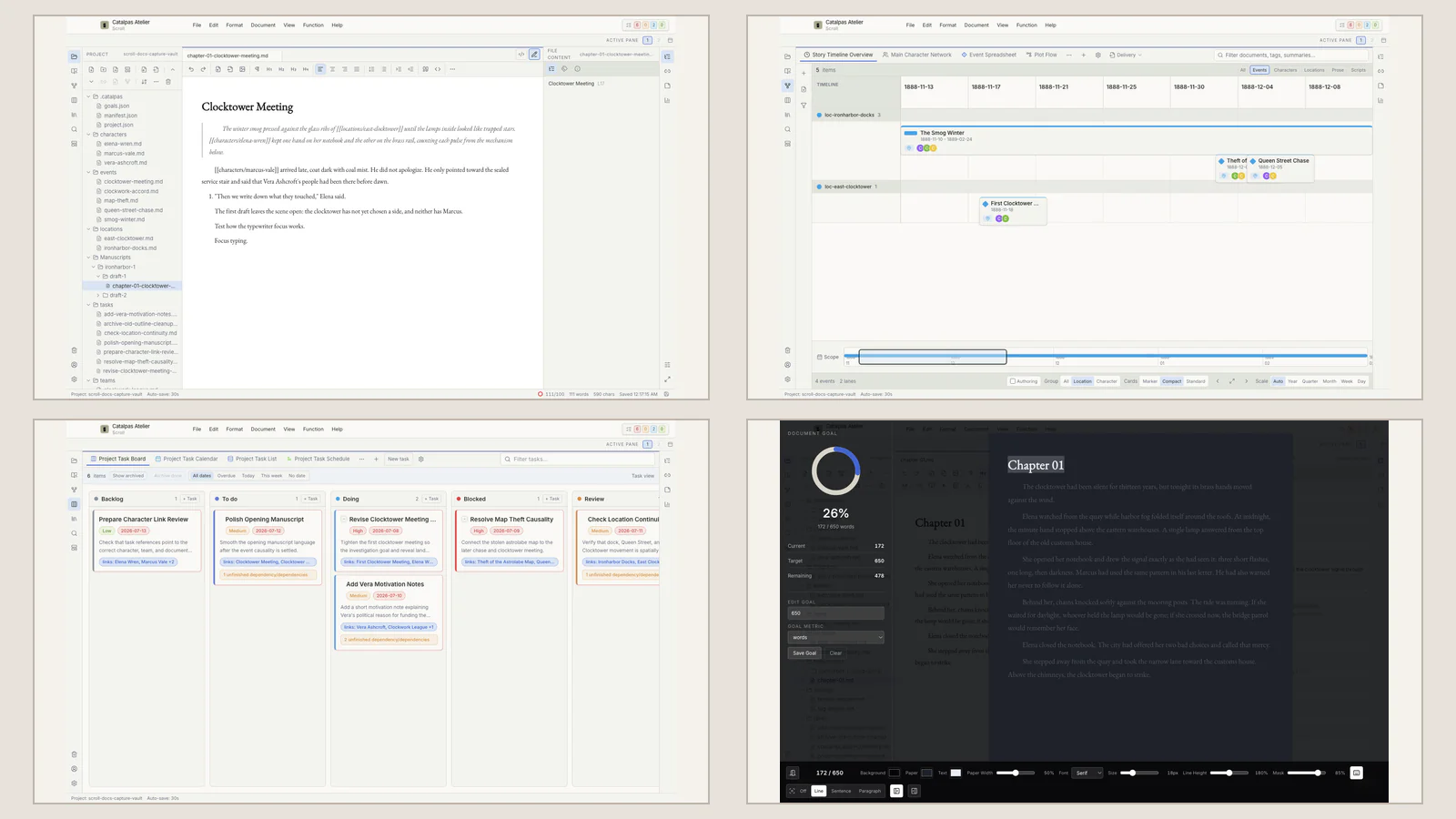
What part of your next book is your writing tool already solving?
Already at home in Scrivener, Manuskript, Ulysses, Obsidian, Notion, or a specialist planning app? Start with the workflow you know and identify what your next book still needs from story planning, long-form writing, local Projects, and the path to publication.
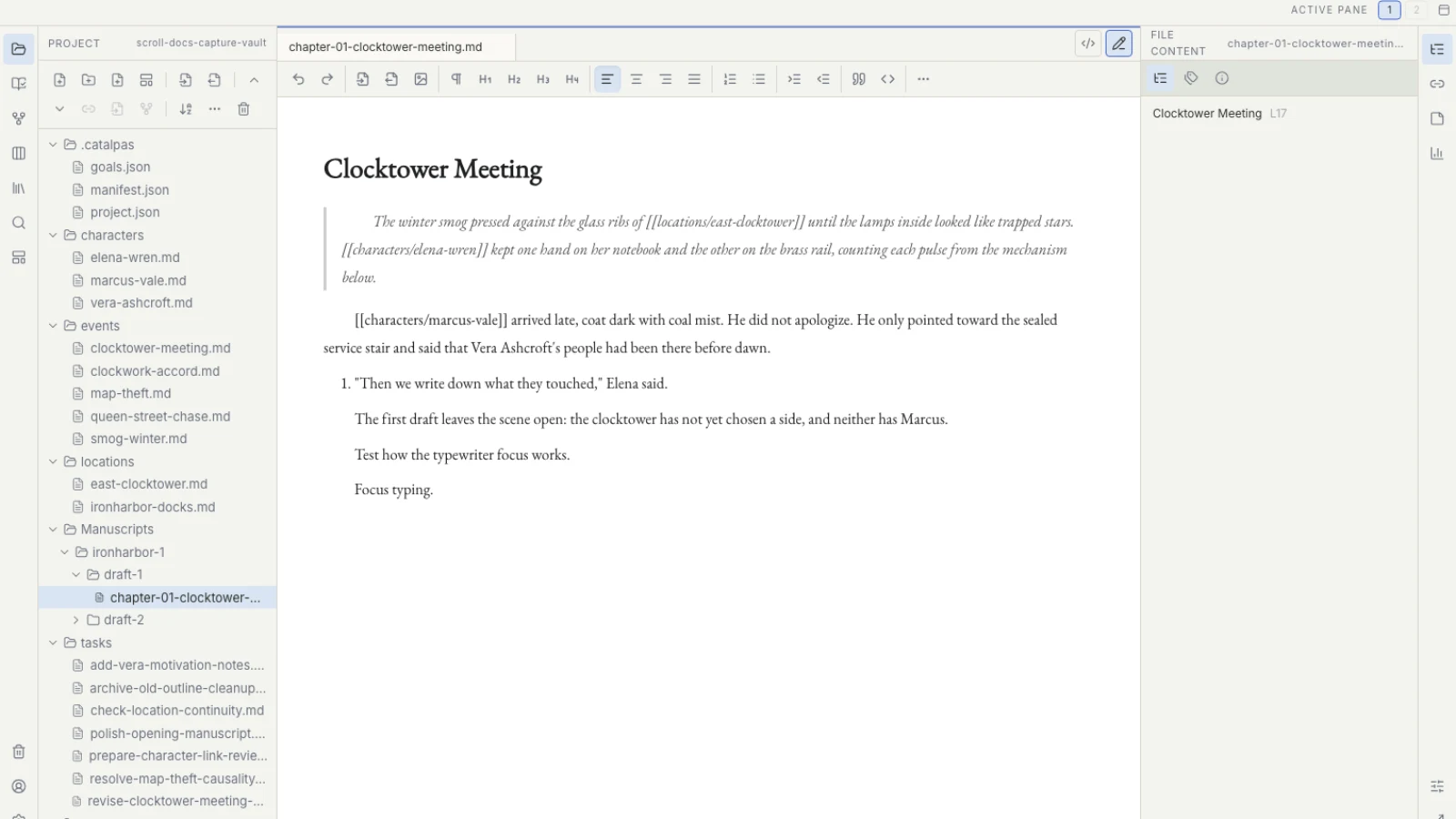
Manuskript gives novel planning a method. What should daily writing feel like?
Manuskript helps a novel grow through open source, premise development, Outline, and Index Cards. As the work becomes a long-term writing practice, see how Scroll keeps planning, prose, tasks, versions, and the publishing handoff in one coherent desktop experience.
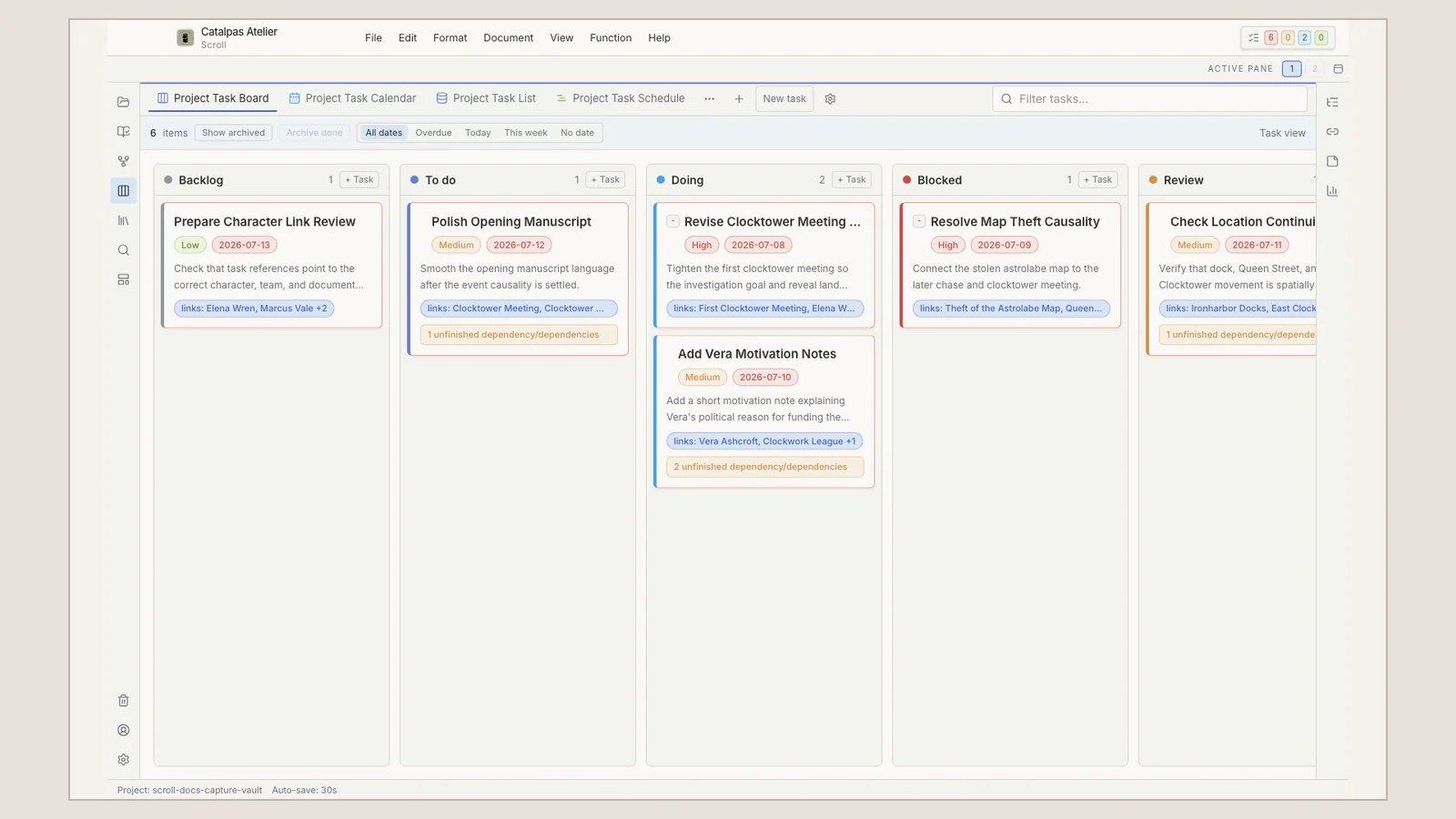
Notion lets everyone see the outline. Where does the formal manuscript live?
Notion uses database views, comments, and permissions to give a team one creative map. When the work becomes a book-length manuscript with versions and a publishing handoff, see how Scroll provides a focused local Project for the author and a clear path to Scribe.