 Catalpas Atelier
 Articles
Articles
Longer-form writing on craft, publishing, and the tools we make.
Products
Scroll
Writing-tool comparisons
Start with the writing or planning tool you already know, then identify the Story views, local Project, author workflow, or publishing handoff your next book still needs.
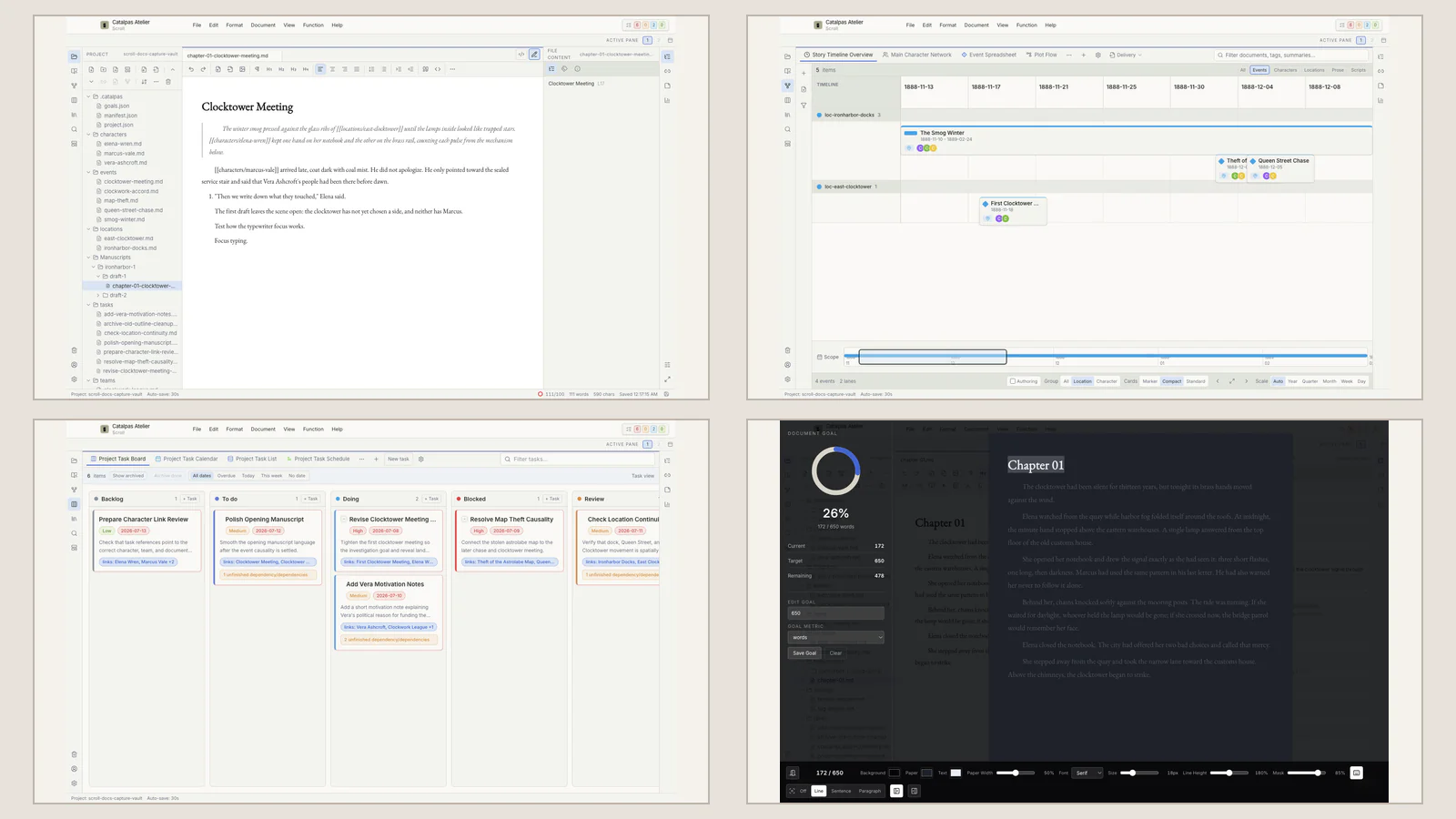
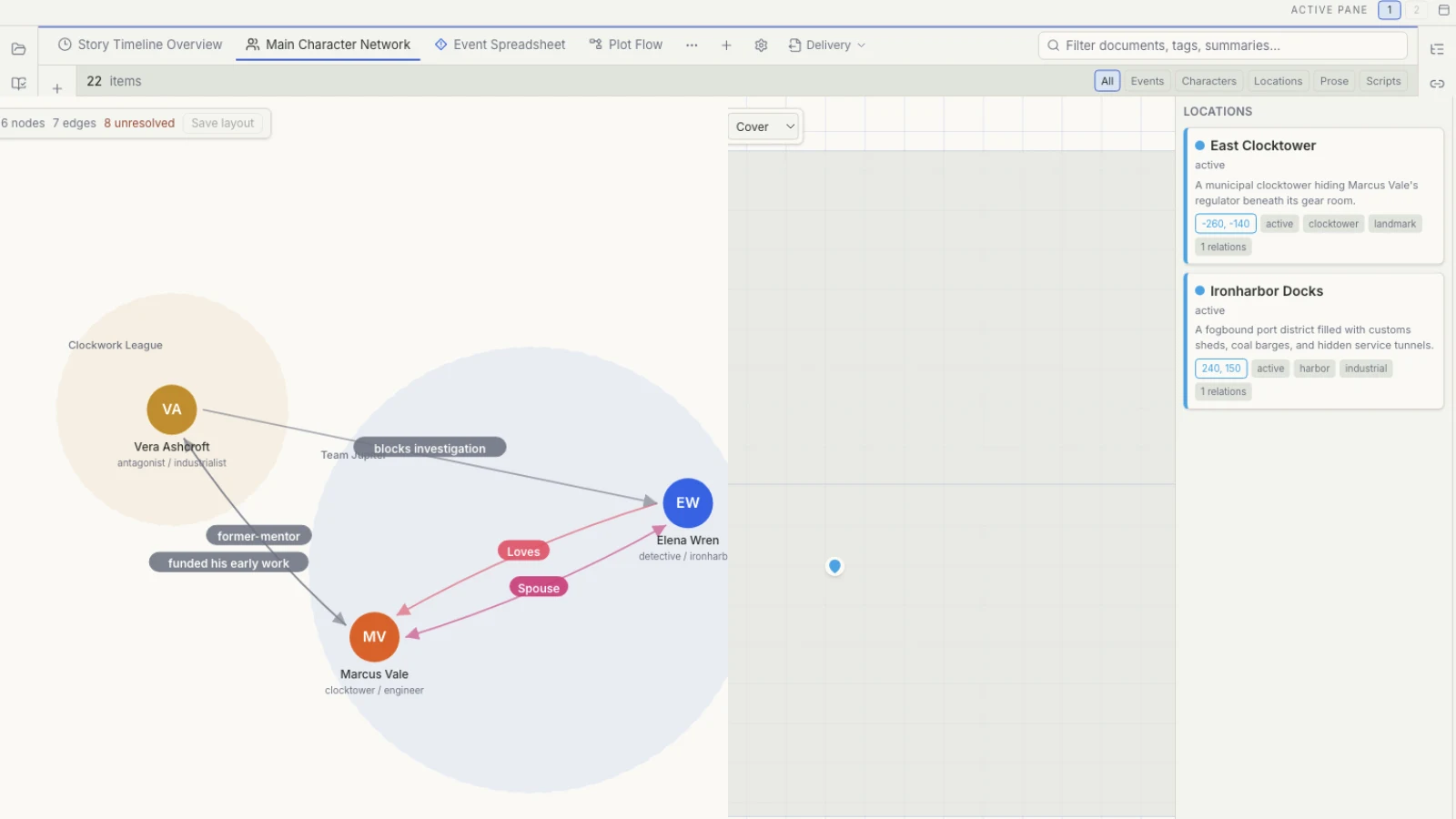
Scrivener can hold the whole manuscript. What else must a complex story reveal?
Scrivener builds a mature long-form environment with Binder, Corkboard, and Research. When time, relationships, places, and evidence begin to interact, see how Scroll uses multiple Story views to help a writer inspect the whole work.
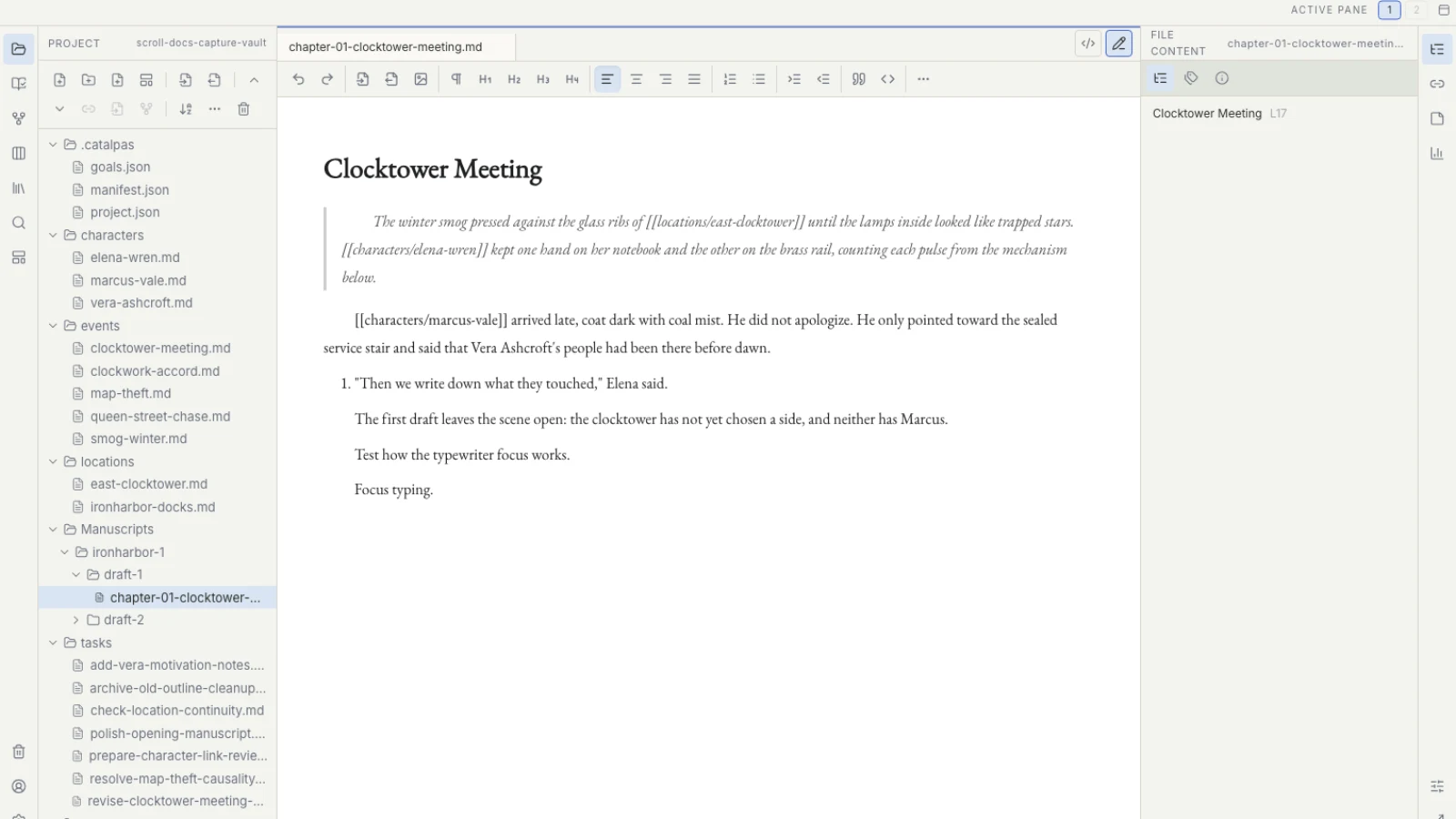
Manuskript gives novel planning a method. What should daily writing feel like?
Manuskript helps a novel grow through open source, premise development, Outline, and Index Cards. As the work becomes a long-term writing practice, see how Scroll keeps planning, prose, tasks, versions, and the publishing handoff in one coherent desktop experience.
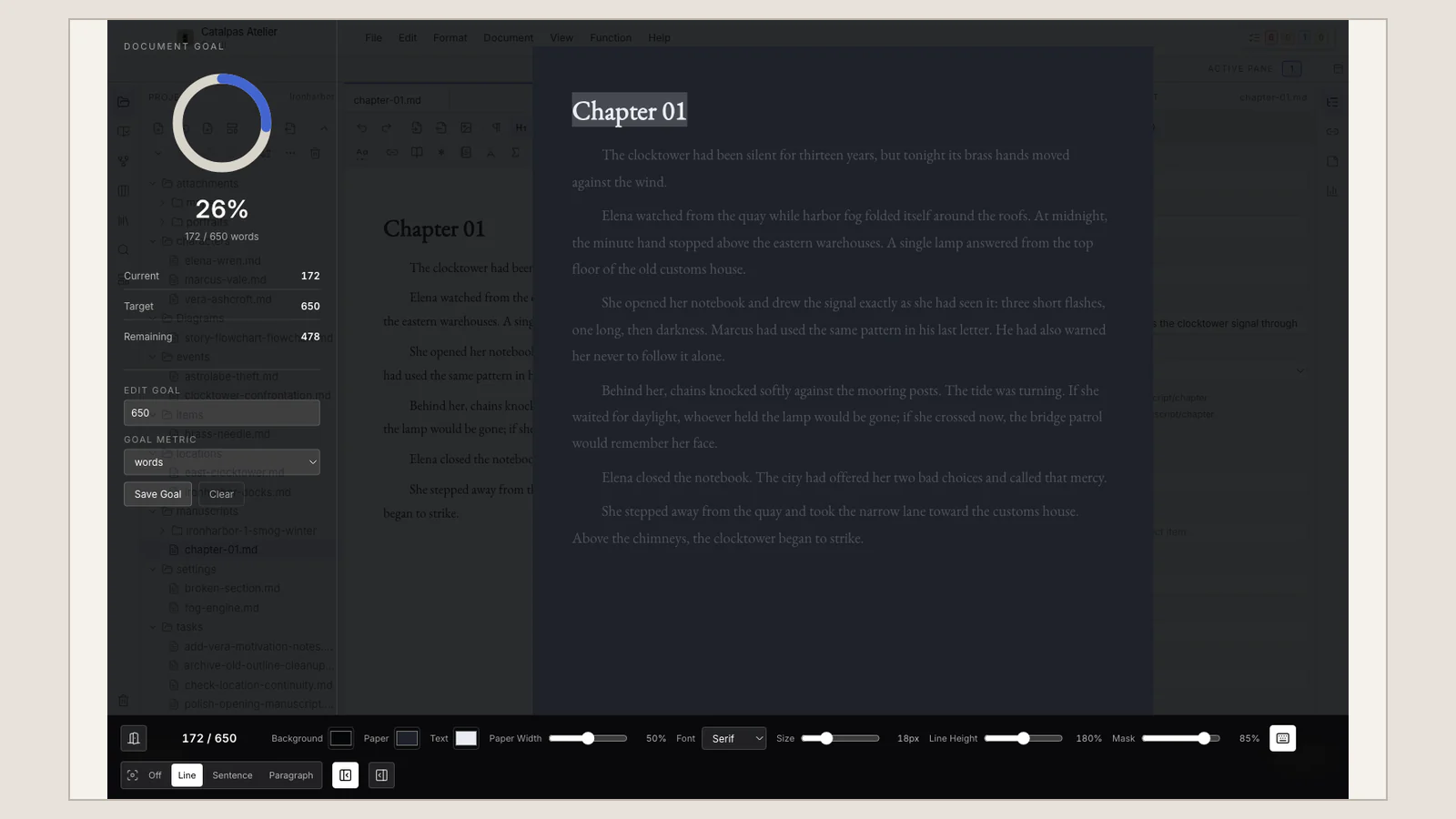
Ulysses protects a quiet writing space. How does a large Project open out?
Ulysses uses Library, Sheets, and continuity across Apple devices to protect focused writing. When characters, research, revision, and versions turn a book into a large Project, see how Scroll keeps planning, prose, and publishing preparation together.
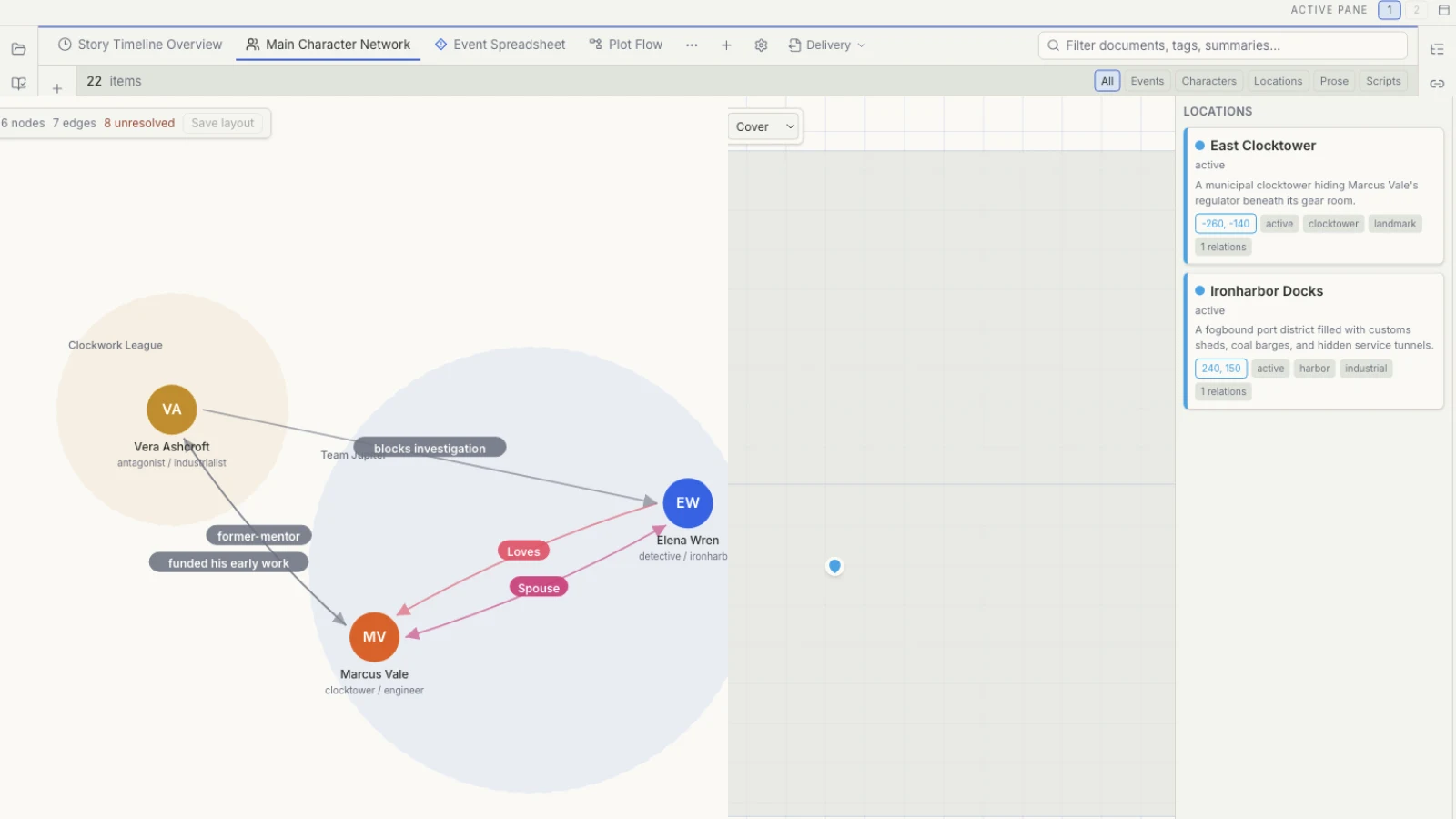
An Obsidian vault can grow for a decade. How can every novel share one workflow?
Obsidian lets local Markdown, Links, Graph, Canvas, and an extensible ecosystem grow into a lasting knowledge network. When a novelist maintains separate vaults for separate worlds, see how Scroll gives every local Project the same planning, writing, task, version, and publishing workflow.
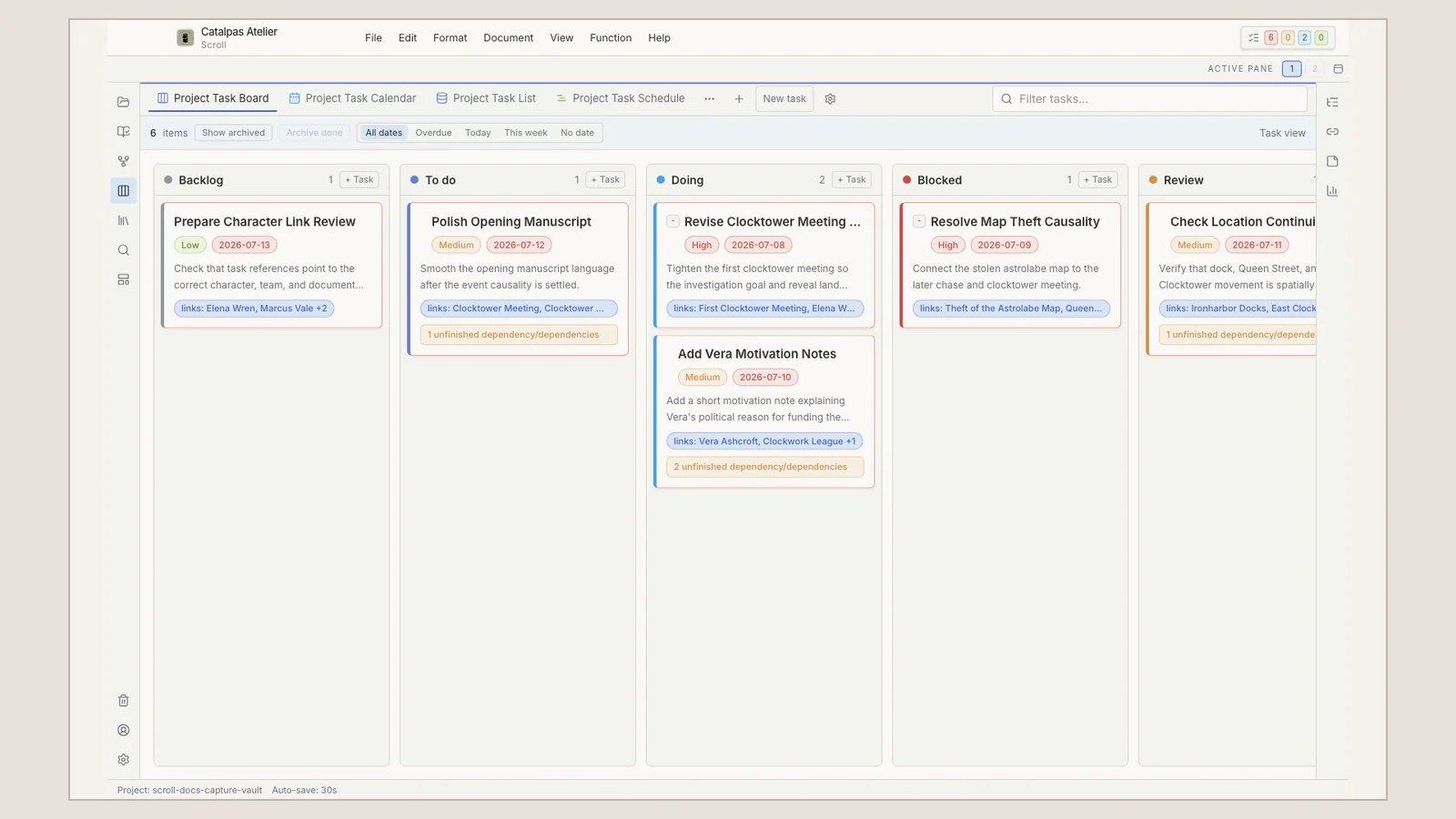
Notion lets everyone see the outline. Where does the formal manuscript live?
Notion uses database views, comments, and permissions to give a team one creative map. When the work becomes a book-length manuscript with versions and a publishing handoff, see how Scroll provides a focused local Project for the author and a clear path to Scribe.
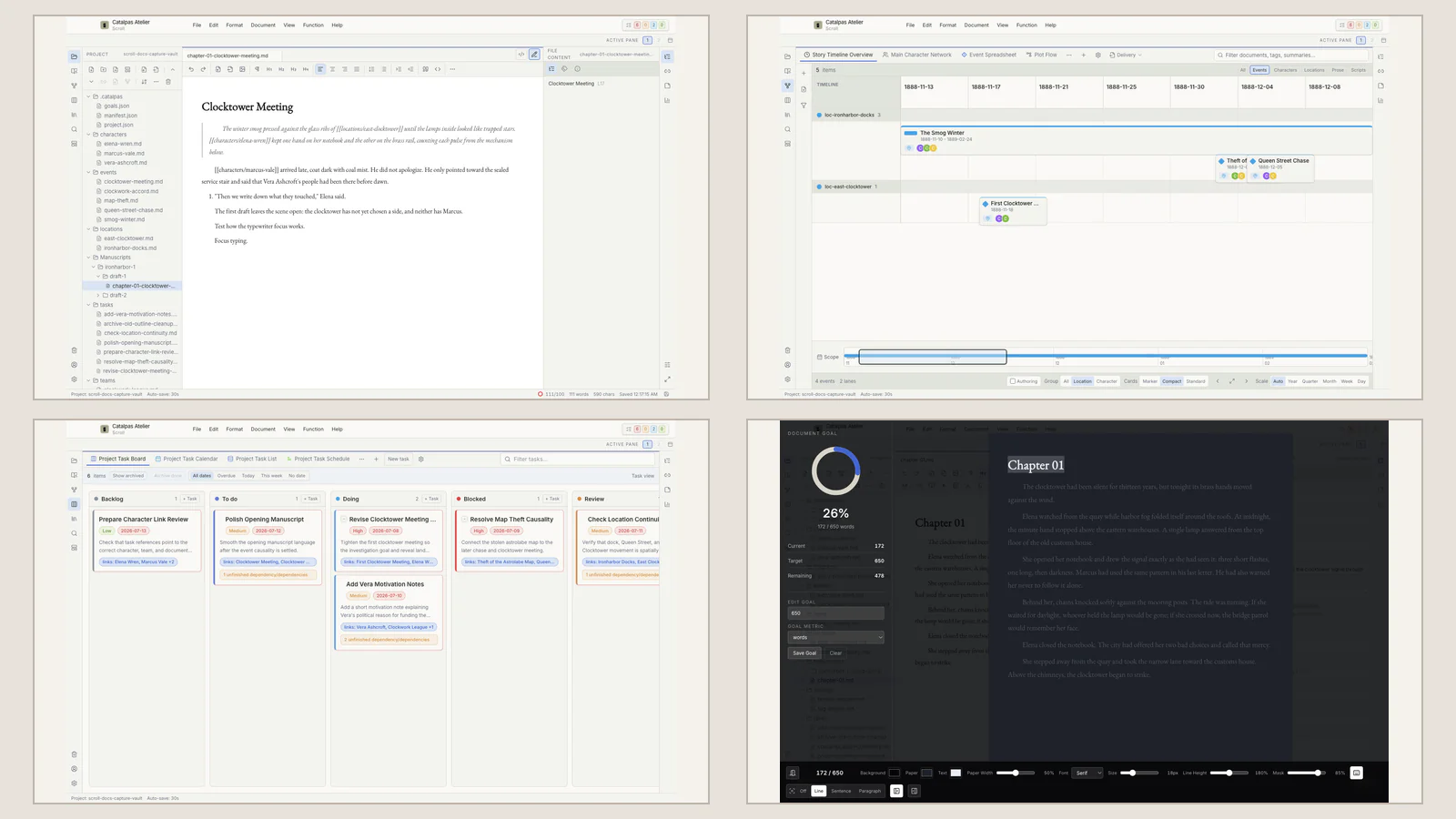
What is causing the rework: time, hierarchy, or worldbuilding?
Conflicting ages and dates, an outline with too many levels, and scattered world records are different problems. Learn how Aeon Timeline, OmniOutliner, Fantasia Archive, and Scroll divide specialist depth and an integrated writing workflow.
Solutions
From ideas and story planning to focused drafting, research, revision, and manuscript versions—start with the pressure point holding up your long-form Project.
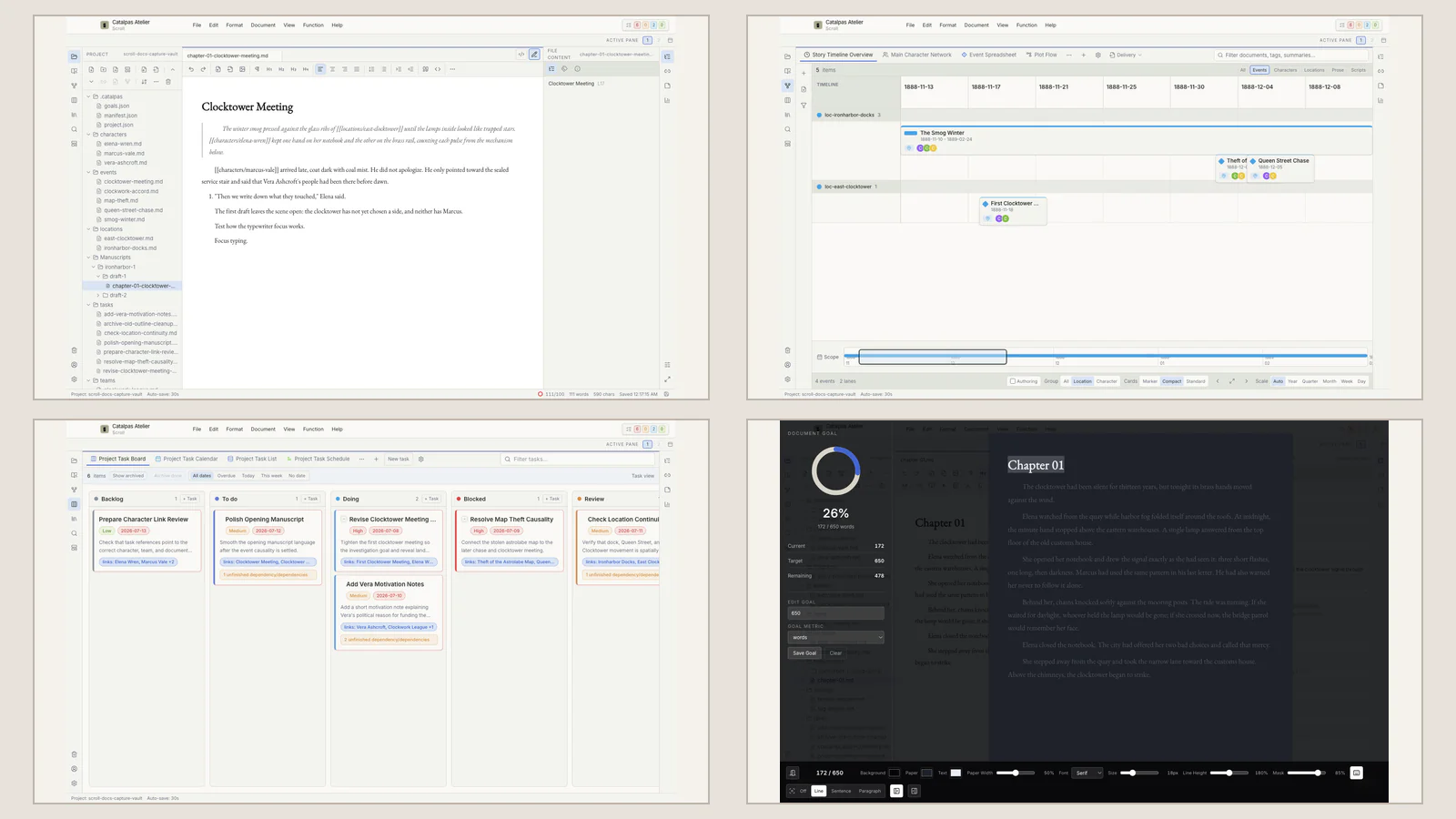
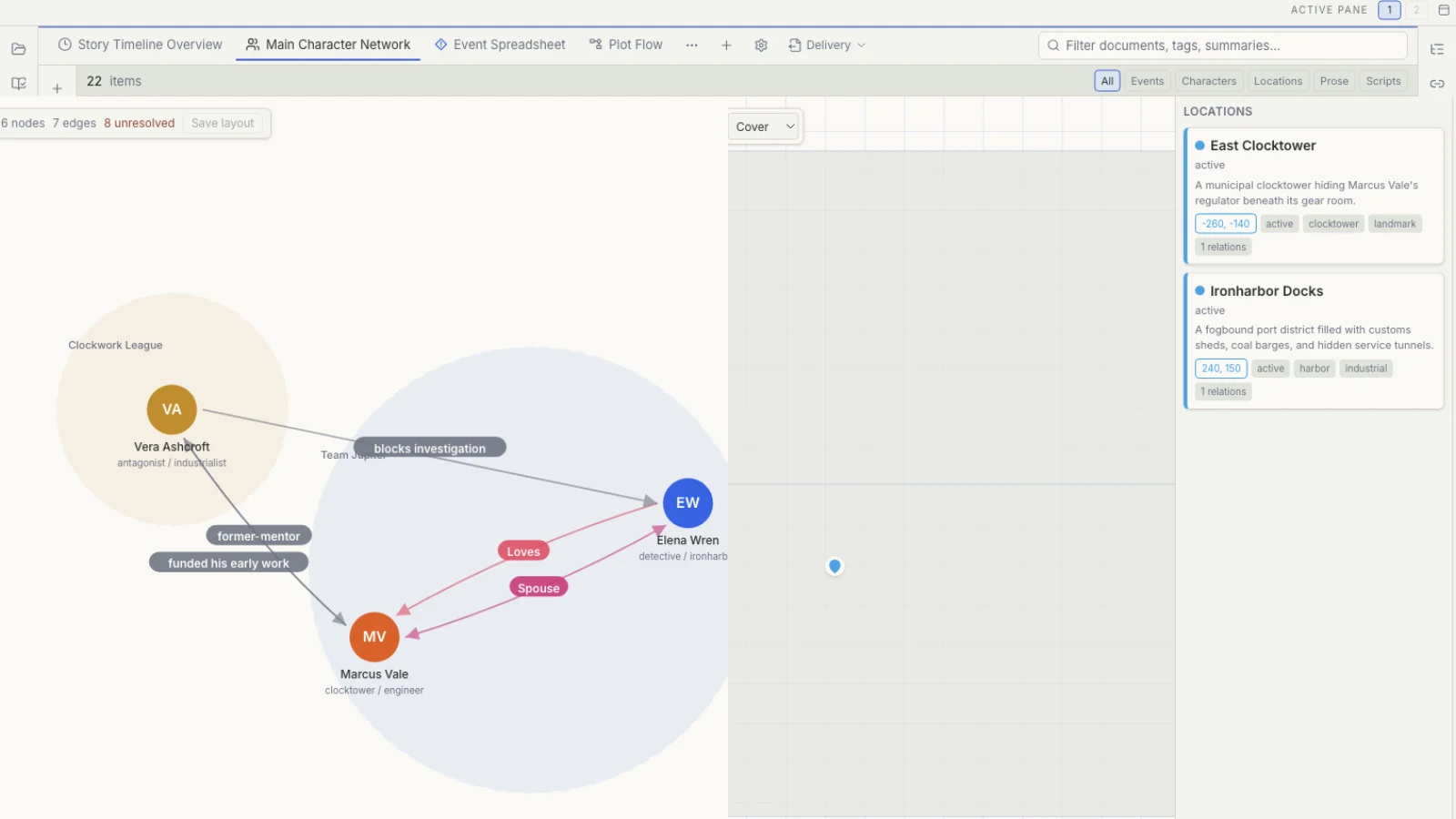
Why one story may need eleven views
What should a timeline, relationship graph, map, or whiteboard tell you? Learn how Scroll views read the same Story data from different angles.
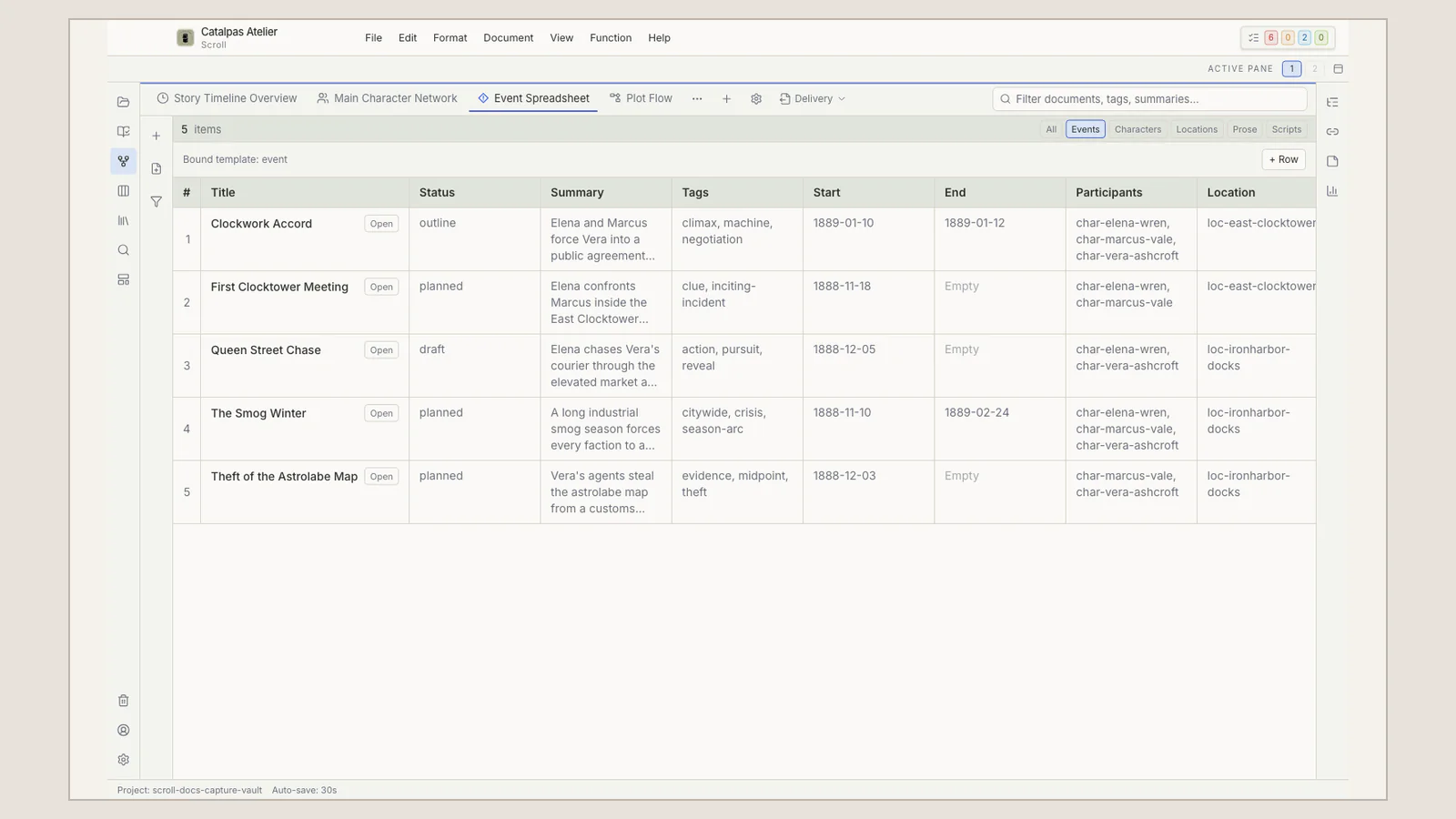
Story templates are not story formulas
Start with the minimum useful Story data, then decide when a character, place, event, property, or relation deserves a reusable Project model.
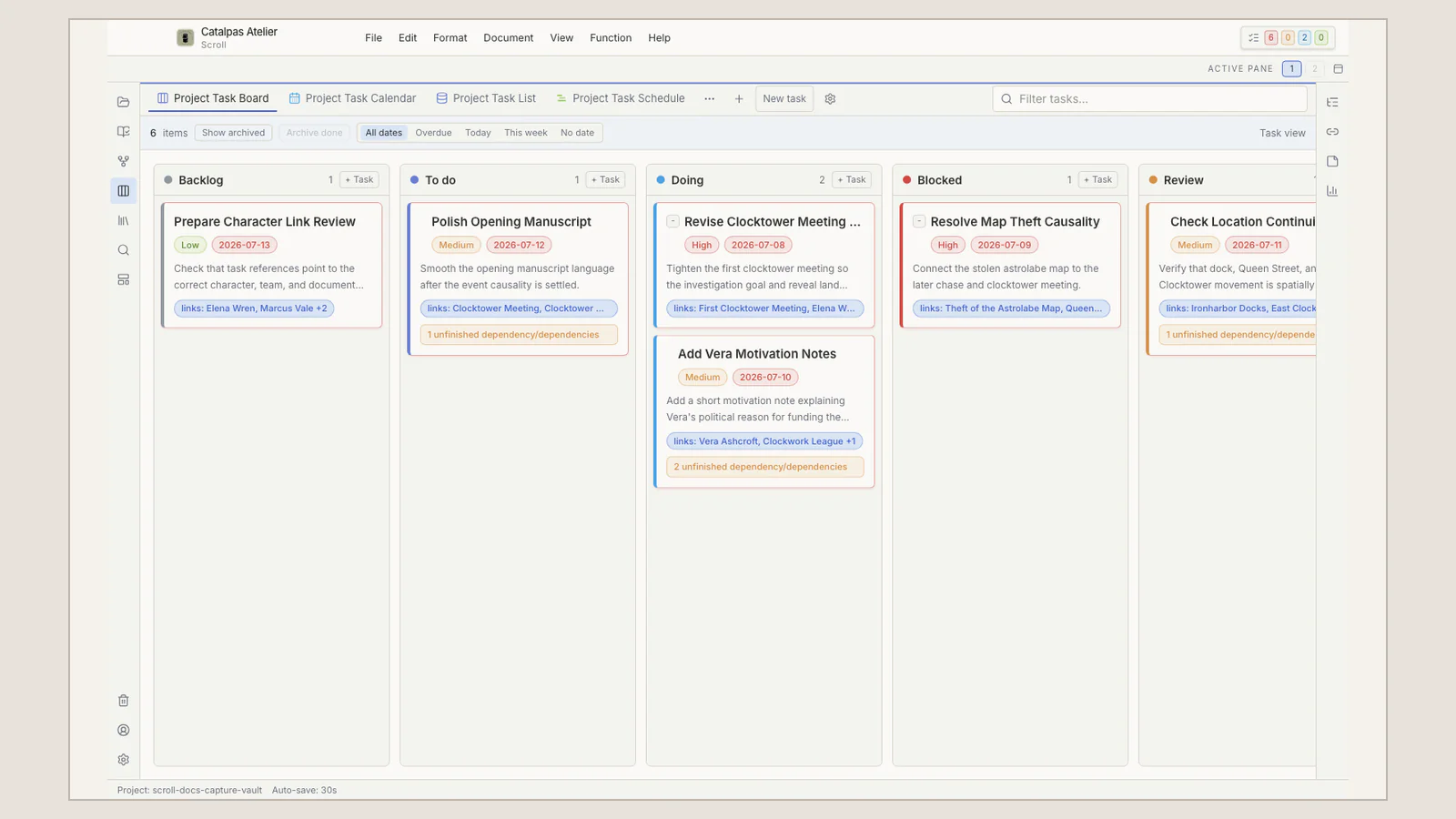
Turn ‘finish the book’ into visible work
Separate story events from author tasks, then use Kanban, Calendar, Task list, and a bounded schedule to manage drafting and revision.
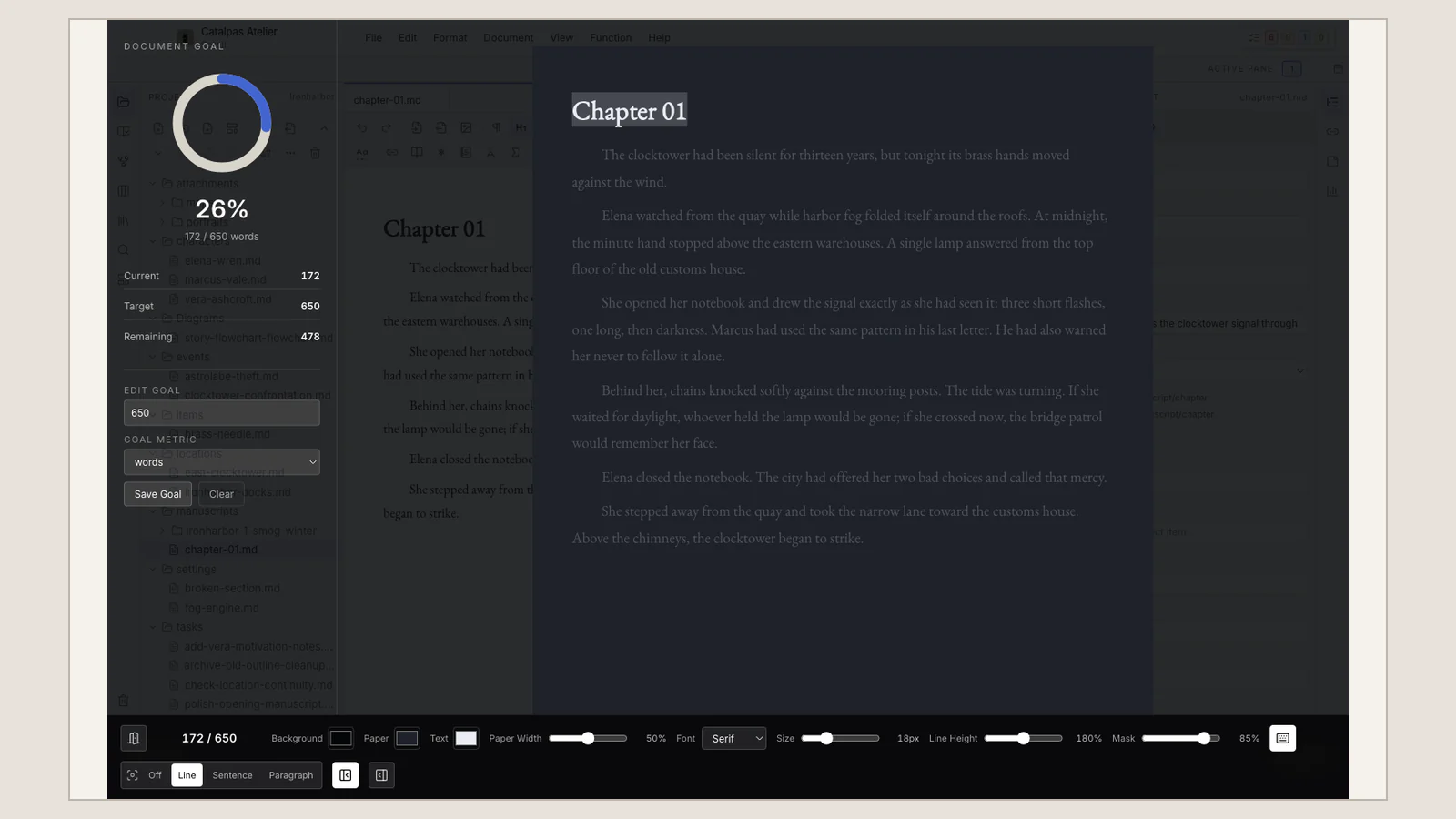
A sustainable distraction-free writing room
Use a clear goal, limited feedback, Mask, Typewriter, and a safe exit to build focused writing sessions you can repeat.
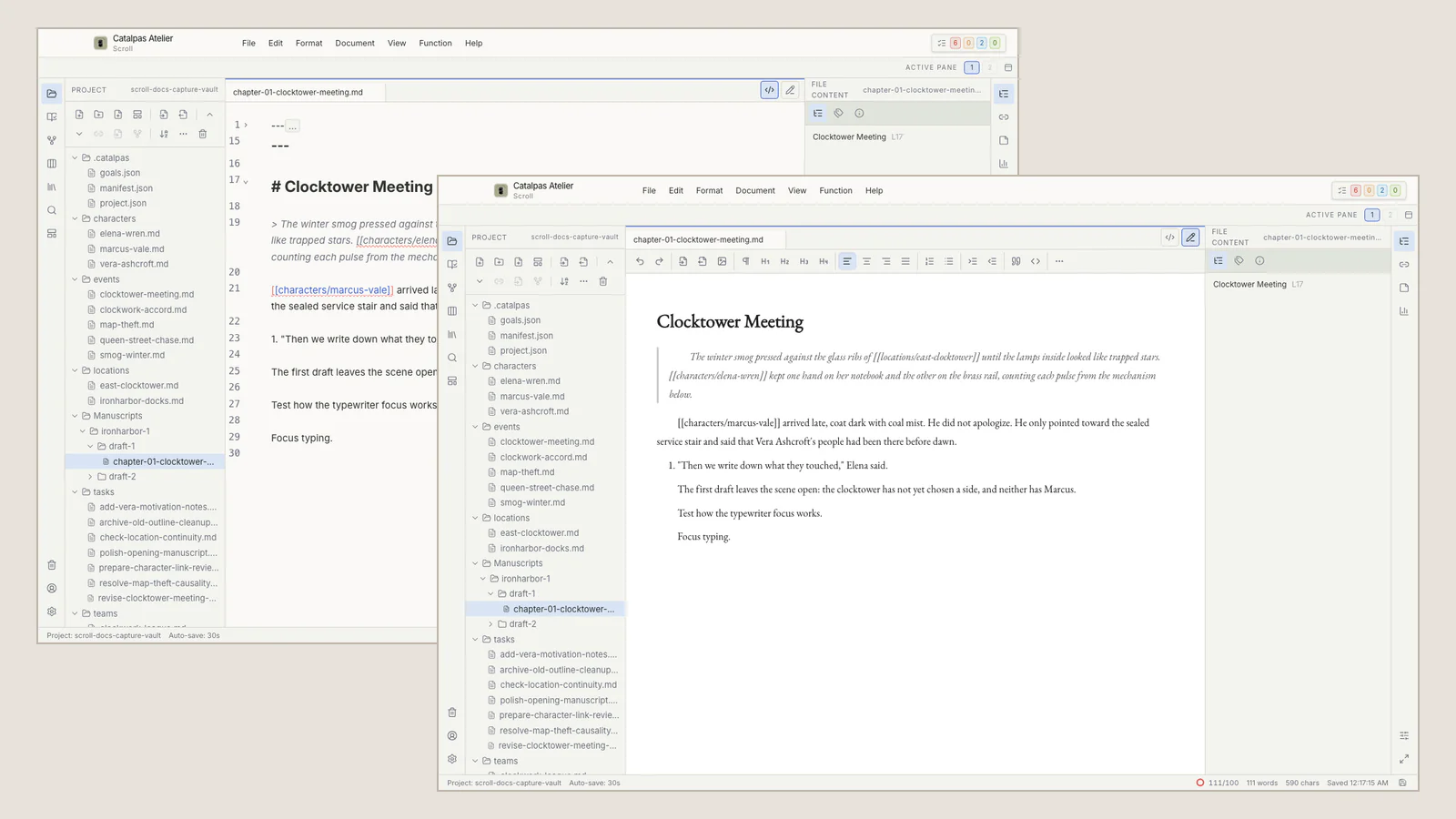
Visual Mode or Source view? Keep flow and Markdown control
Write on a formatted surface, inspect Markdown and YAML directly, and understand the save and backup boundaries around one manuscript.
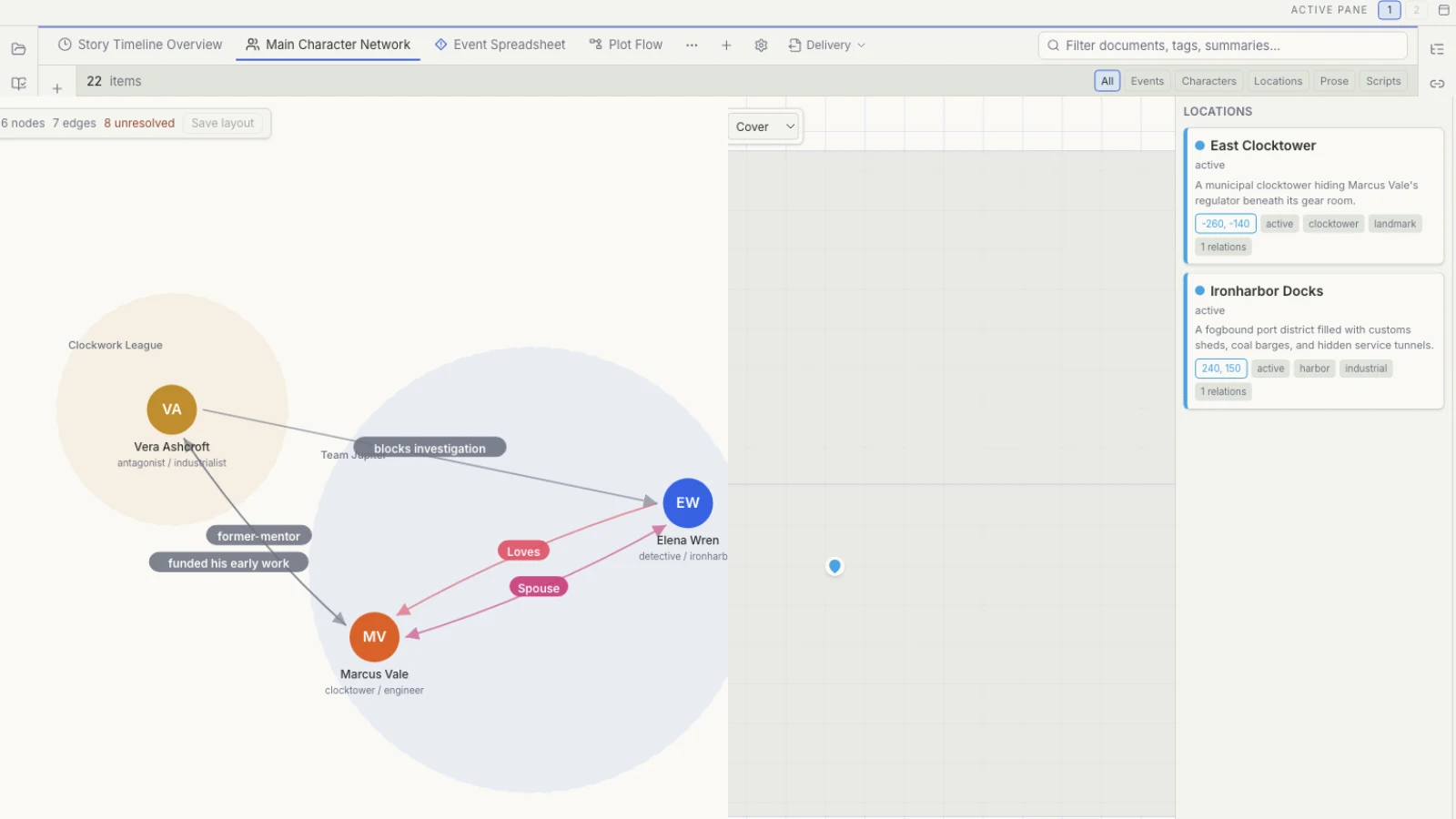
Worldbuilding is not an encyclopedia: bring setting back into the Story
When world notes grow but scenes remain blocked, use minimum Story data, explicit relations, Map, and Timeline to connect setting with character choice.
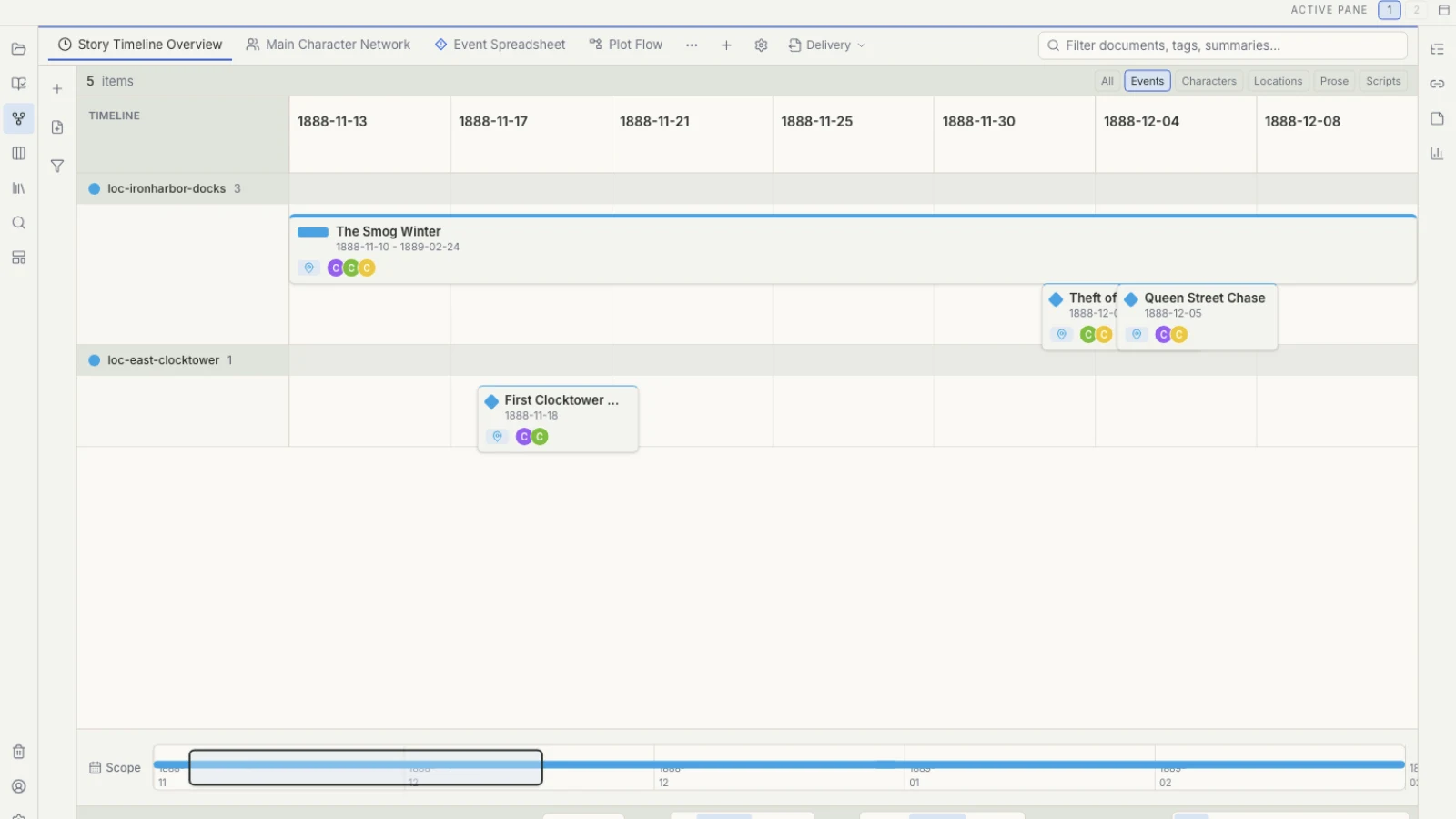
The clues are not lost: manage chronology and character knowledge
For mysteries with conflicting testimony or two timelines, separate actual events, character knowledge, and reader revelation before using views, search, and tasks.
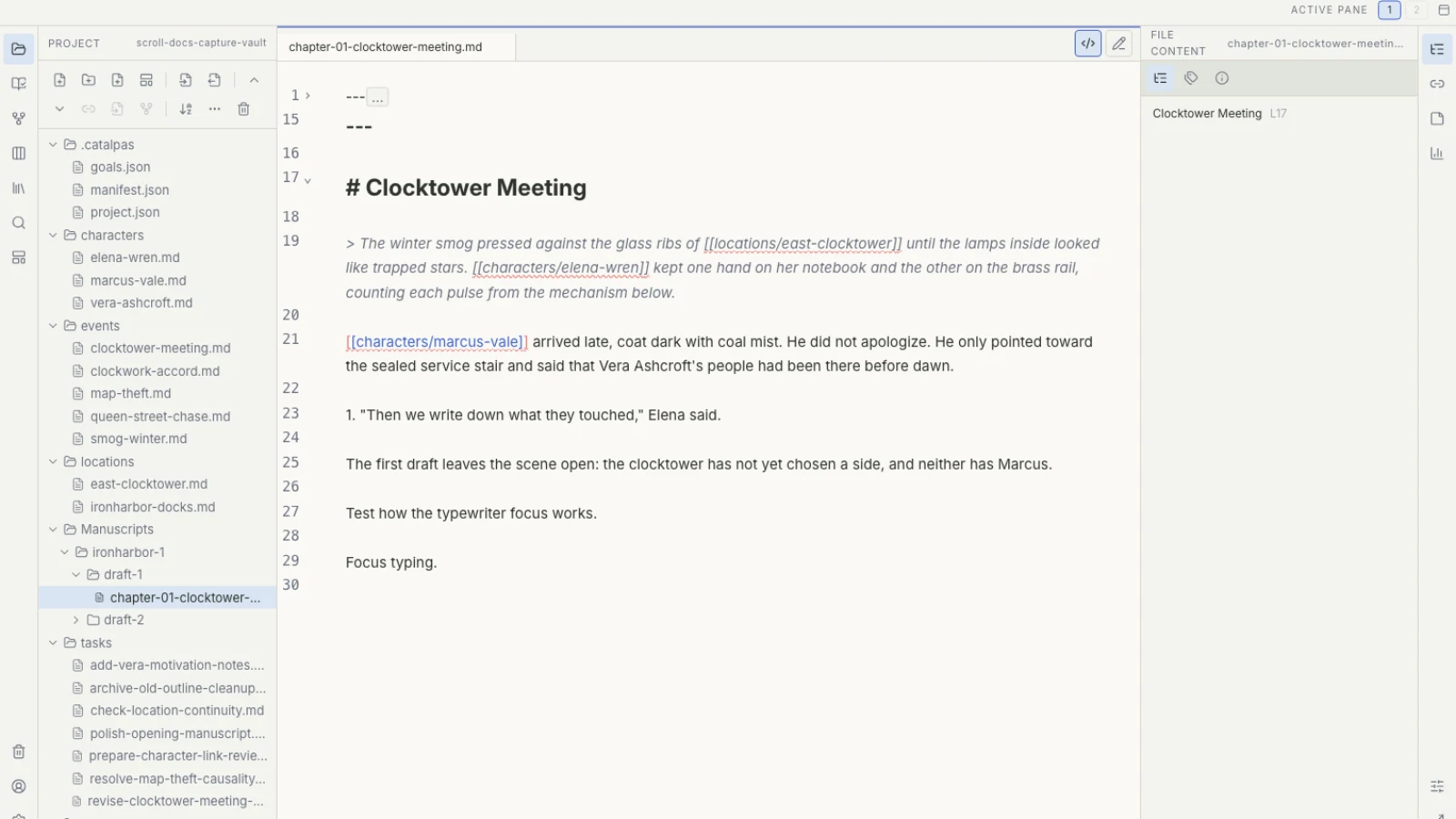
‘I remember reading that’: connect research sources to the draft
When PDFs, web notes, and interviews are scattered, distinguish the original, Project copy, author judgment, and prose, then recover the chain through cards, links, and search.
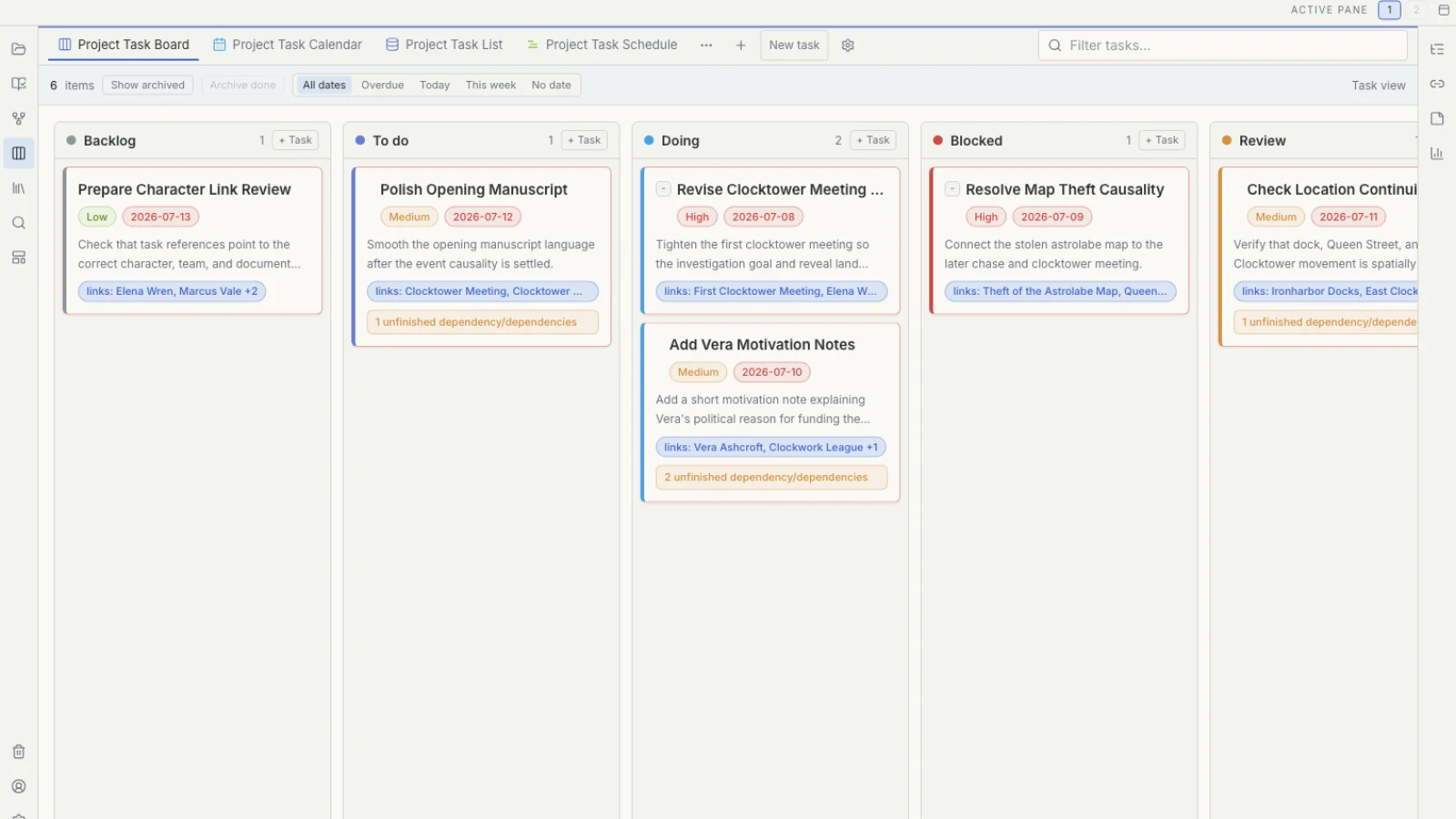
After the first draft: a structural revision workflow for long novels
When feedback covers the whole manuscript, define one structural question, inspect it through focused views, and turn it into bounded cross-chapter work.
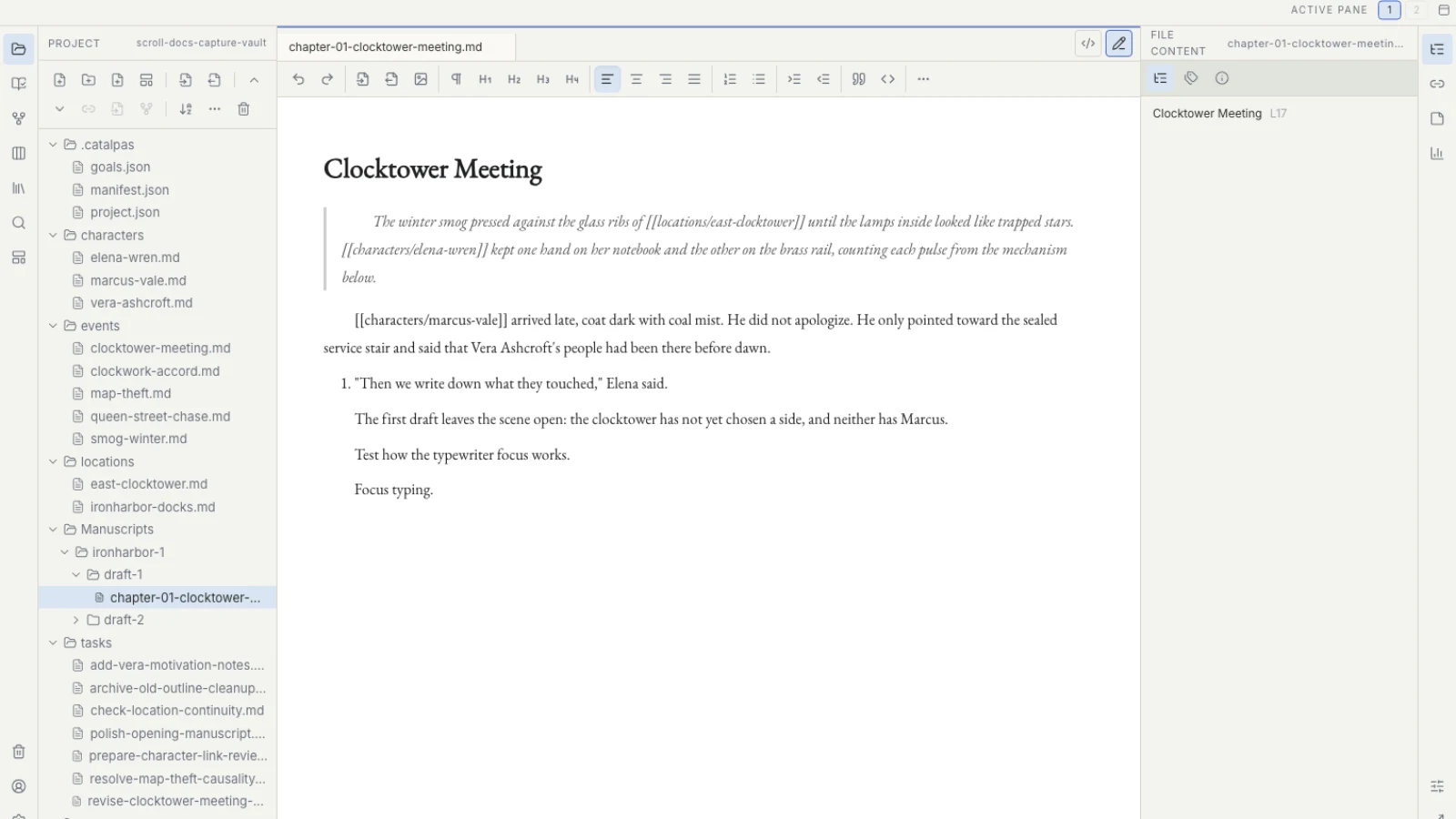
Beyond final-final: manuscript versions, authoritative sources, and Project backups
Separate working files, Works, Manuscript versions, Publish Version, and whole-Project backups so revisions and self-publishing sources remain explainable.
Yearly roundups
Choose long-form writing and planning tools by the problem your book needs to solve, not by a single “best” label.
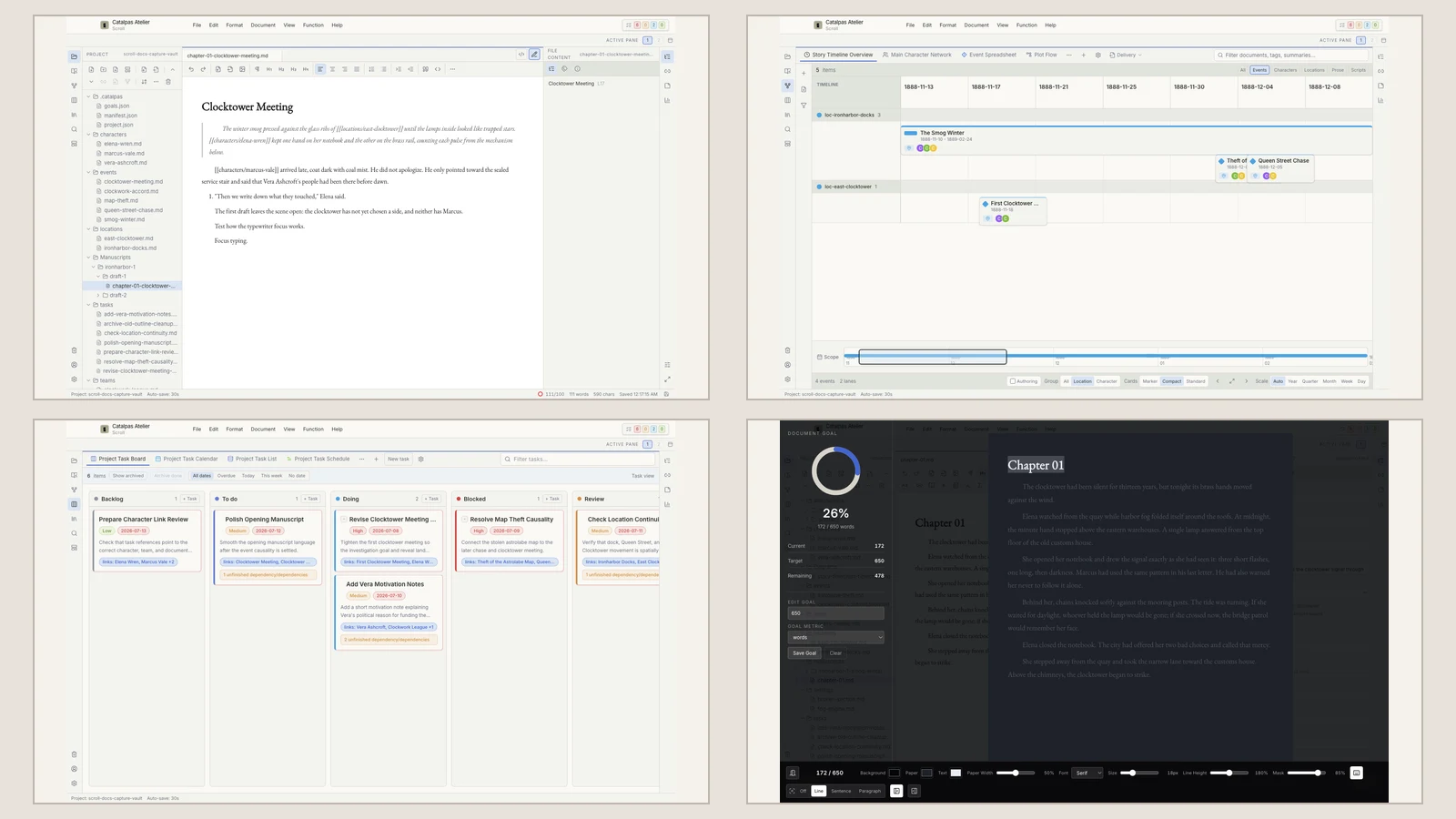
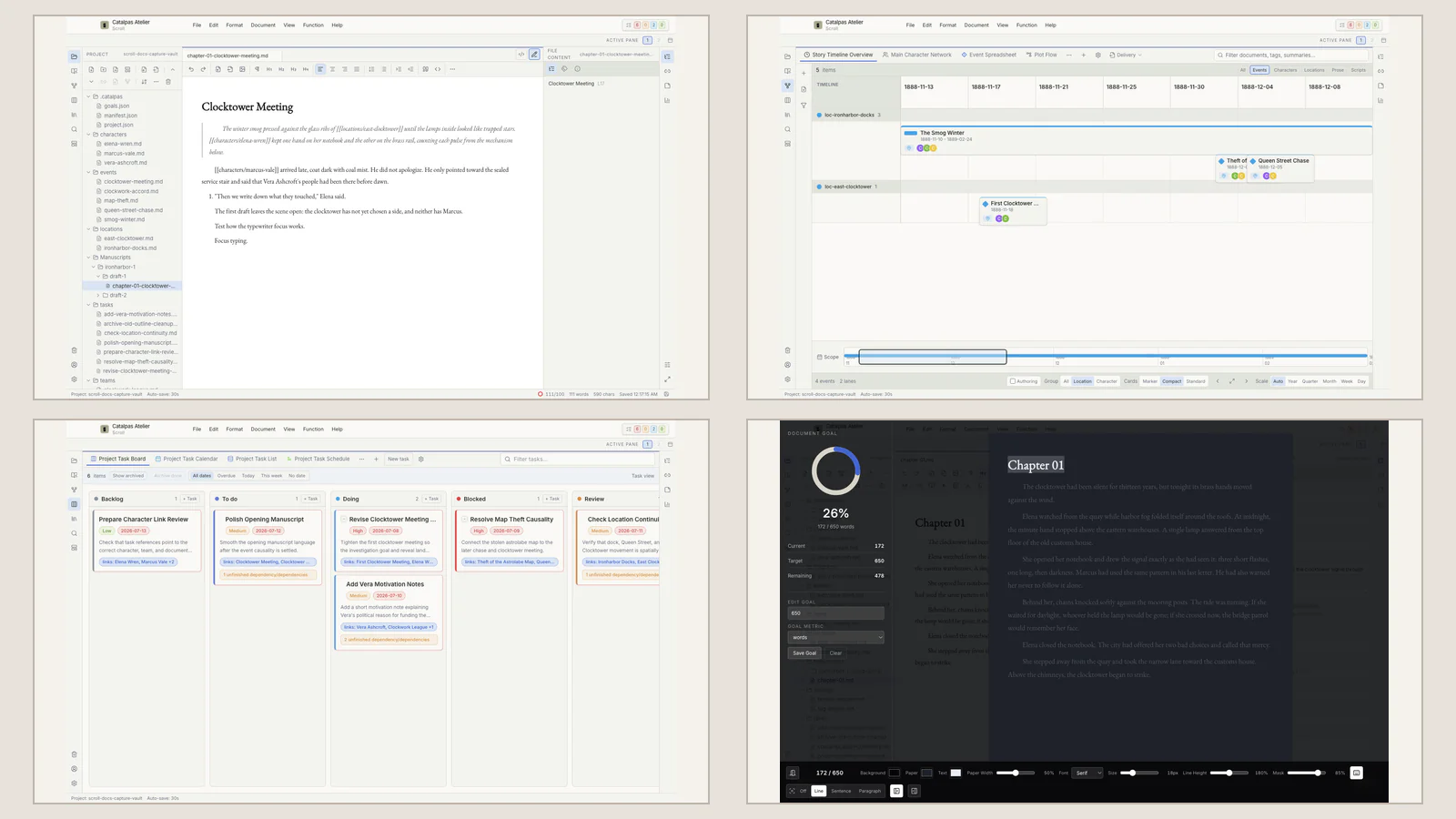
Novel-planning software for complex stories in 2026: characters, timelines, and tasks
Planning a multi-viewpoint story? Explore seven tools for long-form structure, time models, knowledge networks, collaboration, and multi-view Story data.
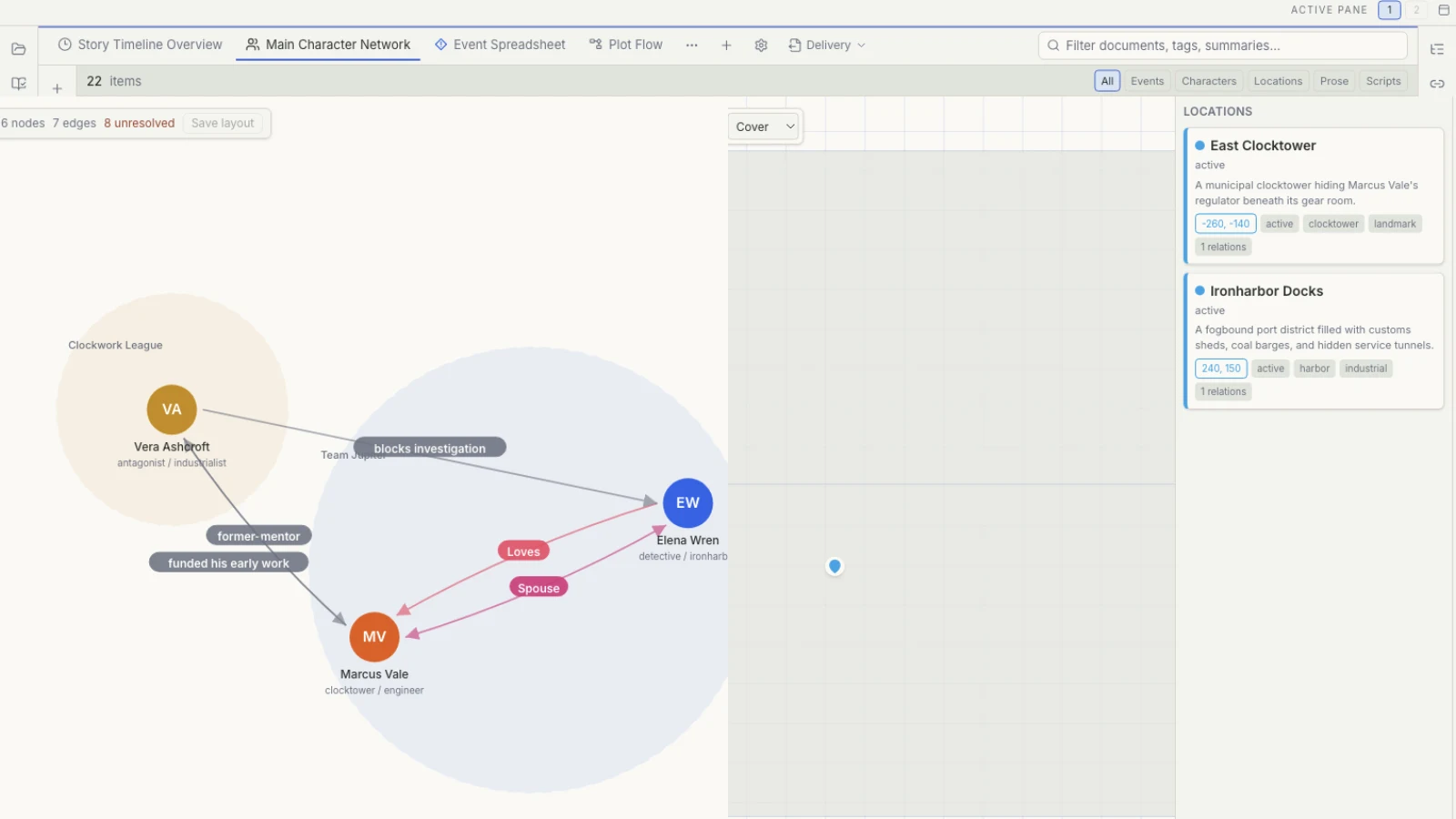
Worldbuilding tools for fantasy and science-fiction authors in 2026
Explore six tools for settings, relationships, maps, and timelines—and decide whether your world needs an enduring encyclopedia or Story data close to the draft.
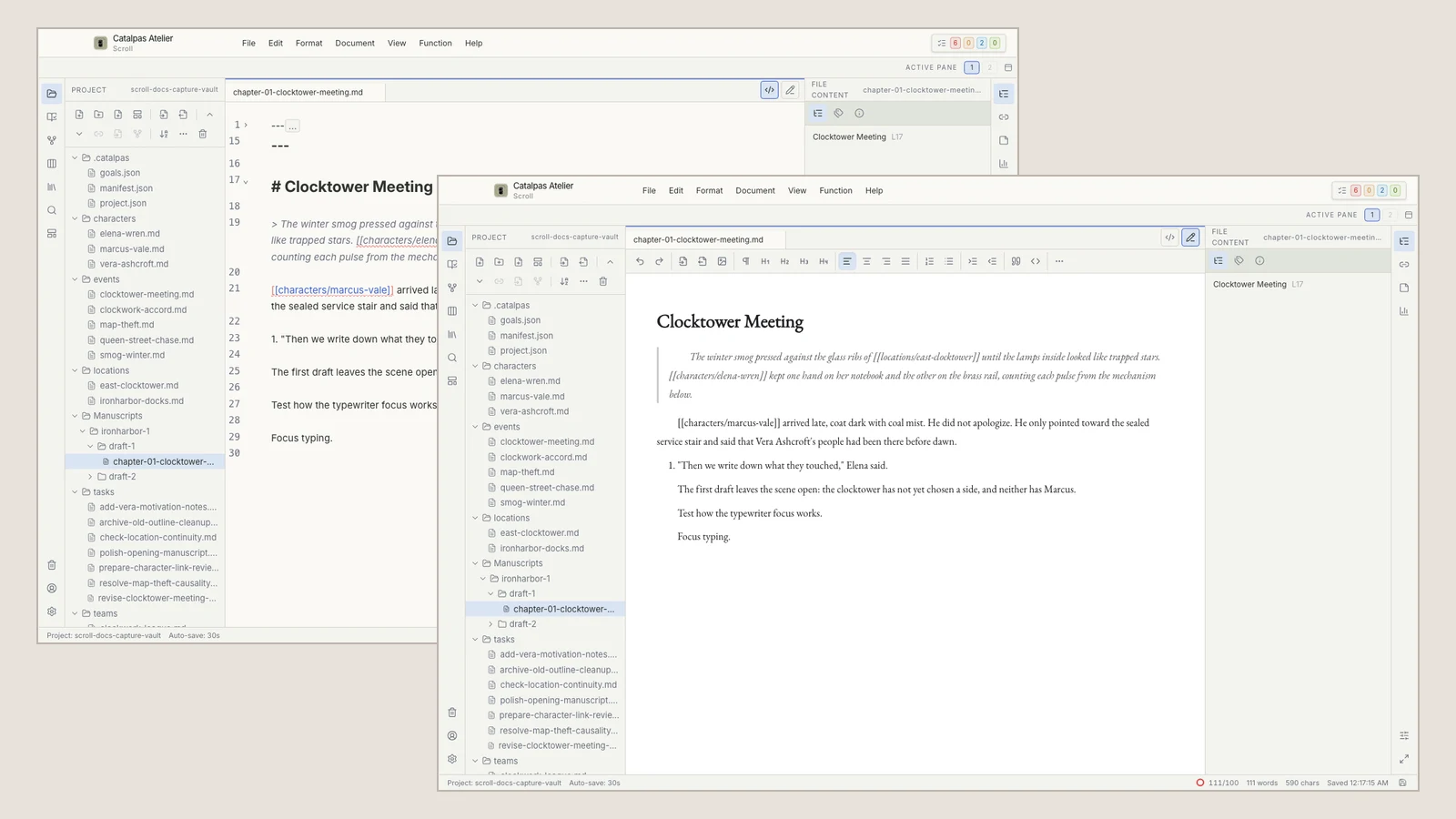
Research and writing tools for historical and nonfiction work in 2026
How does saved research reach the draft? Explore Zotero, Scrivener, Obsidian, Notion, Aeon Timeline, and Scroll across sources, search, judgment, and citation.
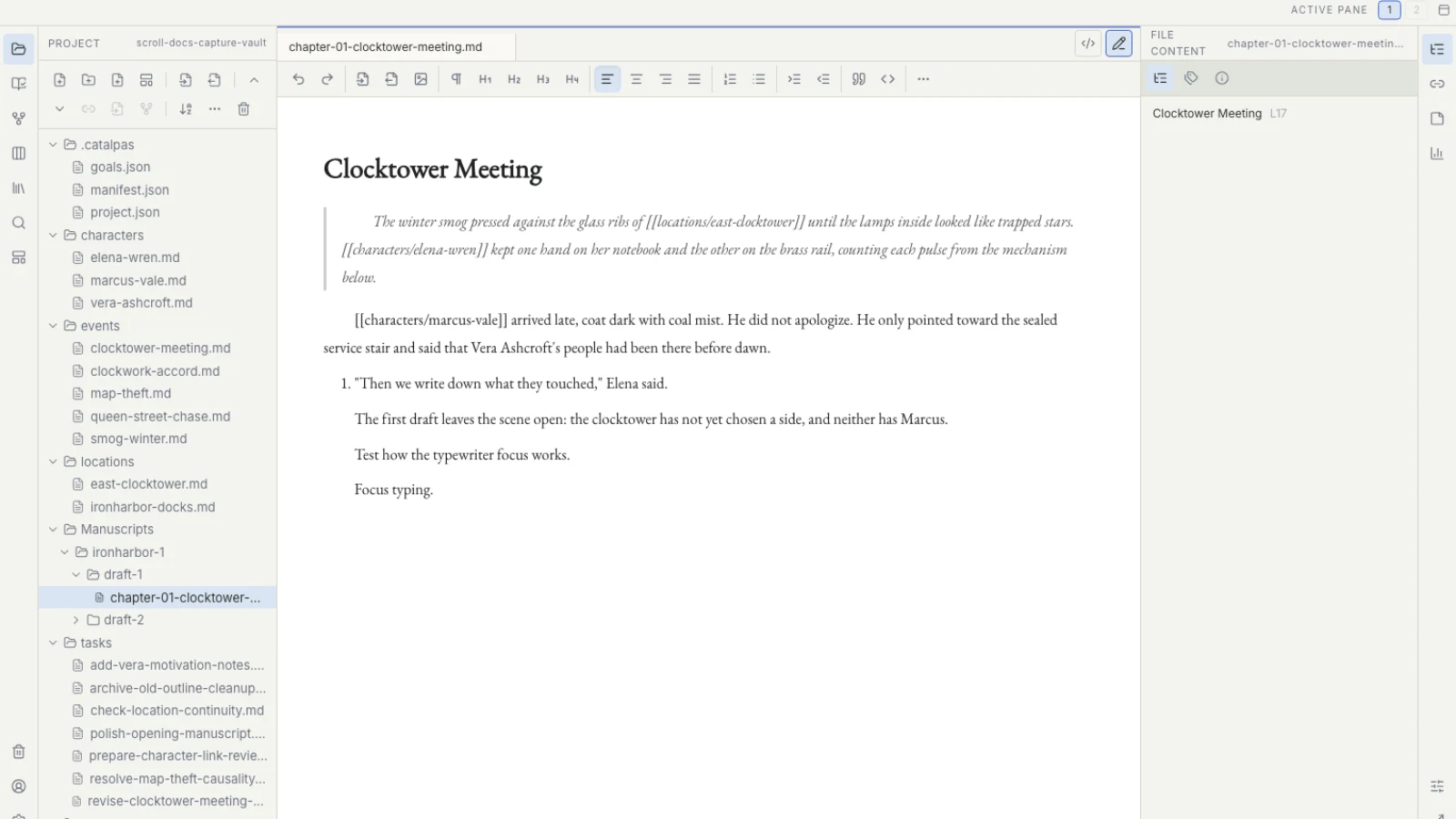
Project and version tools for book series in 2026
How should a trilogy manage shared facts, separate Works, revision drafts, and publication sources? Explore seven approaches to series planning and version boundaries.
Publishing workflows
Scroll keeps planning and manuscript work together; once the text is ready, Scribe handles typesetting, pagination, and publication outputs.
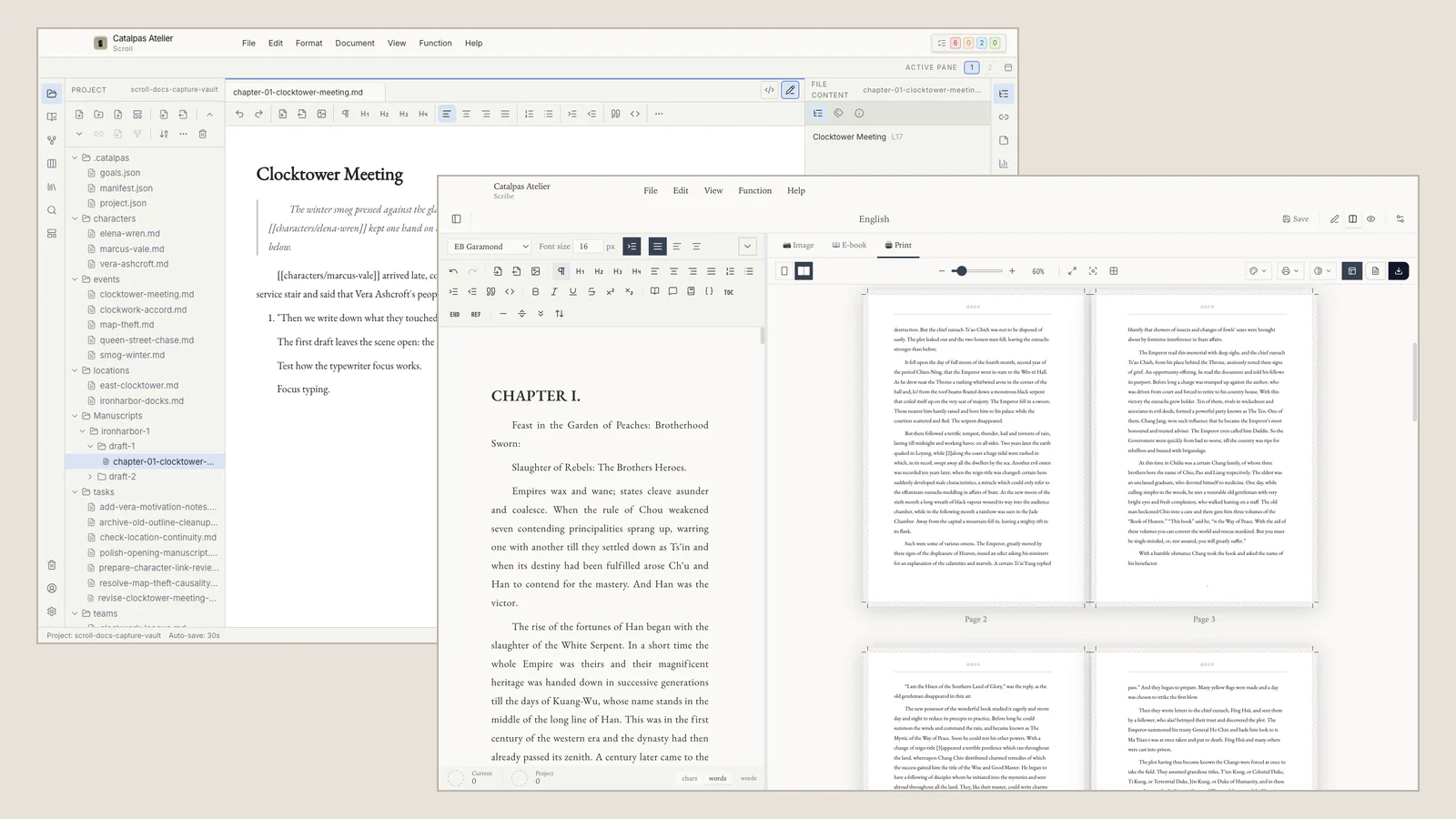
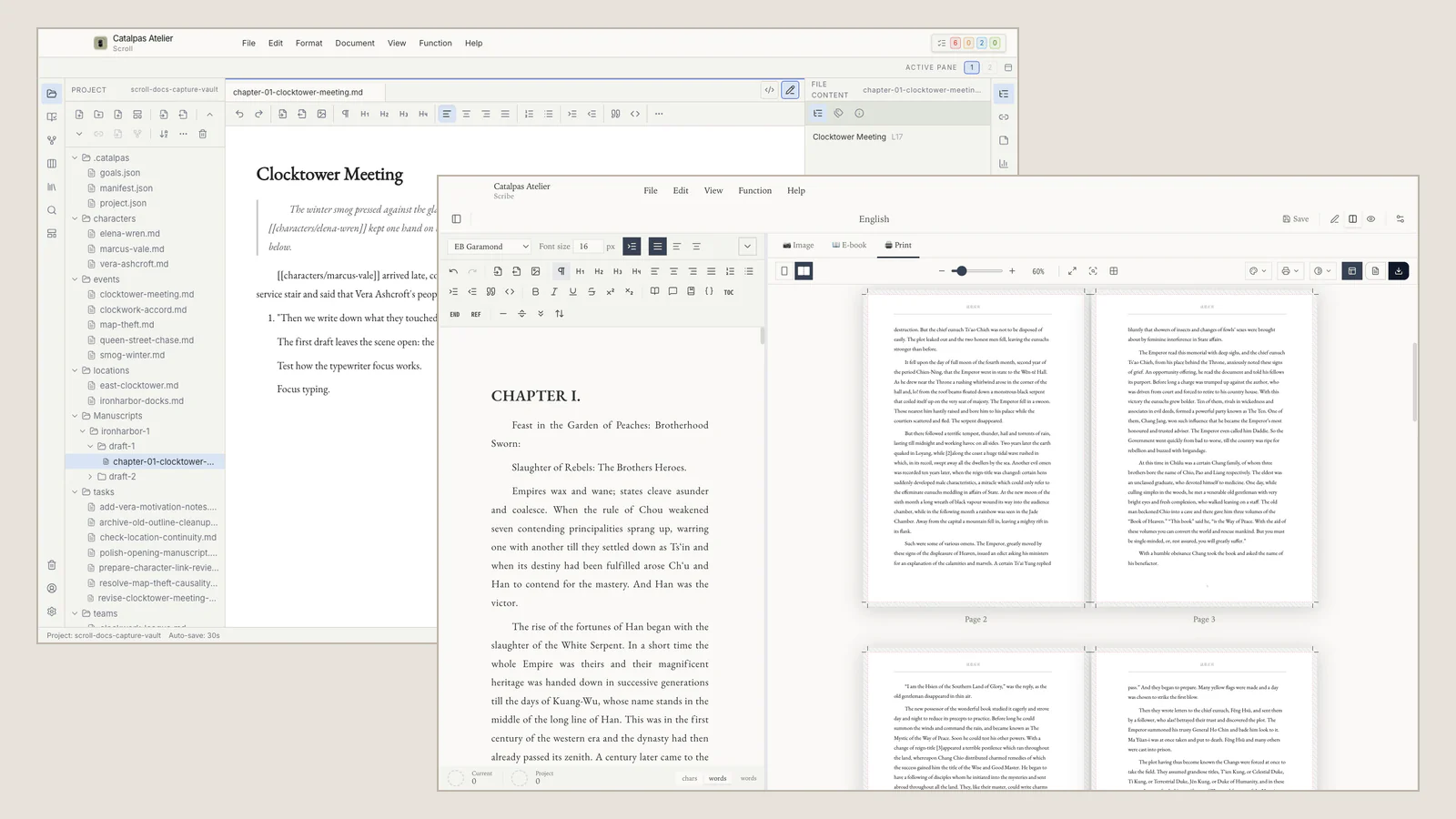
From the final chapter to the first page
A practical Scroll to Scribe workflow for choosing a manuscript source, checking the handoff, and beginning book production.
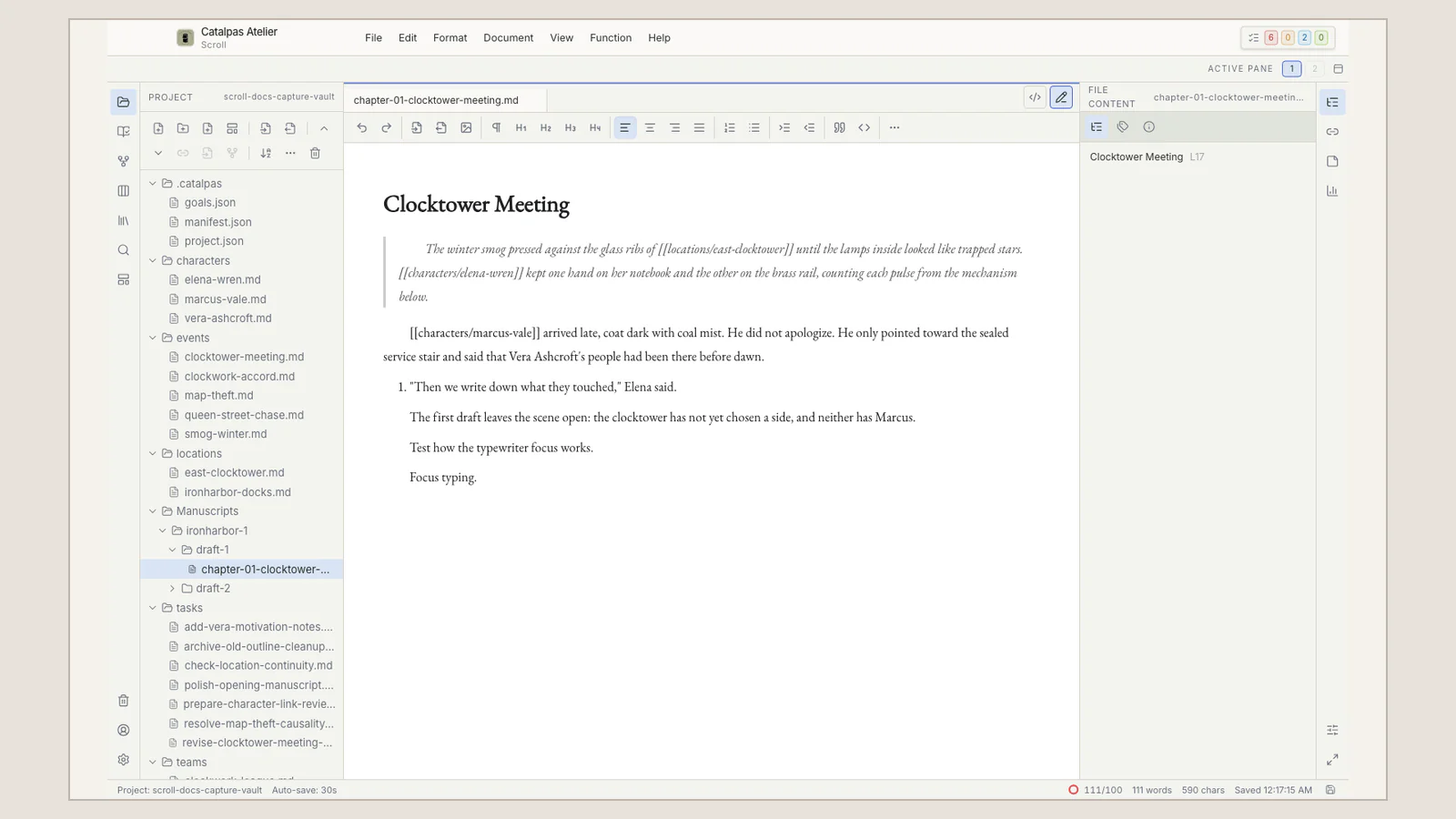
Five signs your manuscript is ready for Scribe
Before book production begins, check manuscript authority, book scope, recovery, Scroll delivery preparation, and Scribe's recognition of the intended source.
Products
Scribe
Compare
Neutral, side-by-side comparisons with the writing and typesetting tools authors already know.

Scrivener vs Catalpas Atelier Scribe: The Novelist's Manuscript Management and Print Pipeline
Scrivener redefined the way long-form novels manage their source material; Scribe carries the same manuscript all the way to print and CJK typesetting.
Vellum vs Catalpas Atelier Scribe: From Mac-Only to Cross-Platform and CJK
Vellum makes elegant, simple e-books and printed books for Mac users; Scribe carries the same simplicity to Windows and Linux, and adds CJK and CMYK.
Ulysses vs Catalpas Atelier Scribe: The Publishing Pipeline Beyond Markdown Writing
Ulysses polishes Markdown writing in the Apple ecosystem to near-perfection; Scribe keeps the same writing experience and wires the e-book and print pipeline into the same application.
Atticus vs Catalpas Atelier Scribe: Web-Native vs Local-First
A comparison of Atticus and Scribe for indie authors choosing between browser-based book formatting and a local-first Markdown desktop workflow.
Affinity Publisher vs Catalpas Atelier Scribe: A One-Time-Purchase Layout Tool and an Author-Oriented Writing Pipeline
Affinity Publisher is a one-time-purchase professional layout tool covering visually dense projects; Scribe puts the layout capabilities authors actually need inside the writing tool itself.
Microsoft Word vs Catalpas Atelier Scribe: From the Most Universal Word Processor to the Publishing Finish Line
Word is the most ubiquitous writing tool, but it was never designed for print and e-book; Scribe keeps Word compatibility while wiring the publishing pipeline into the same application.
Adobe InDesign vs Catalpas Atelier Scribe: An Industry Layout Tool and an Author-Friendly Print Pipeline
Compare Adobe InDesign and Scribe by layout scope, writing-to-output workflow, EPUB, CJK, print requirements, and pricing model using official documentation.
Solutions
Concrete workflows that walk a stuck manuscript out the door.
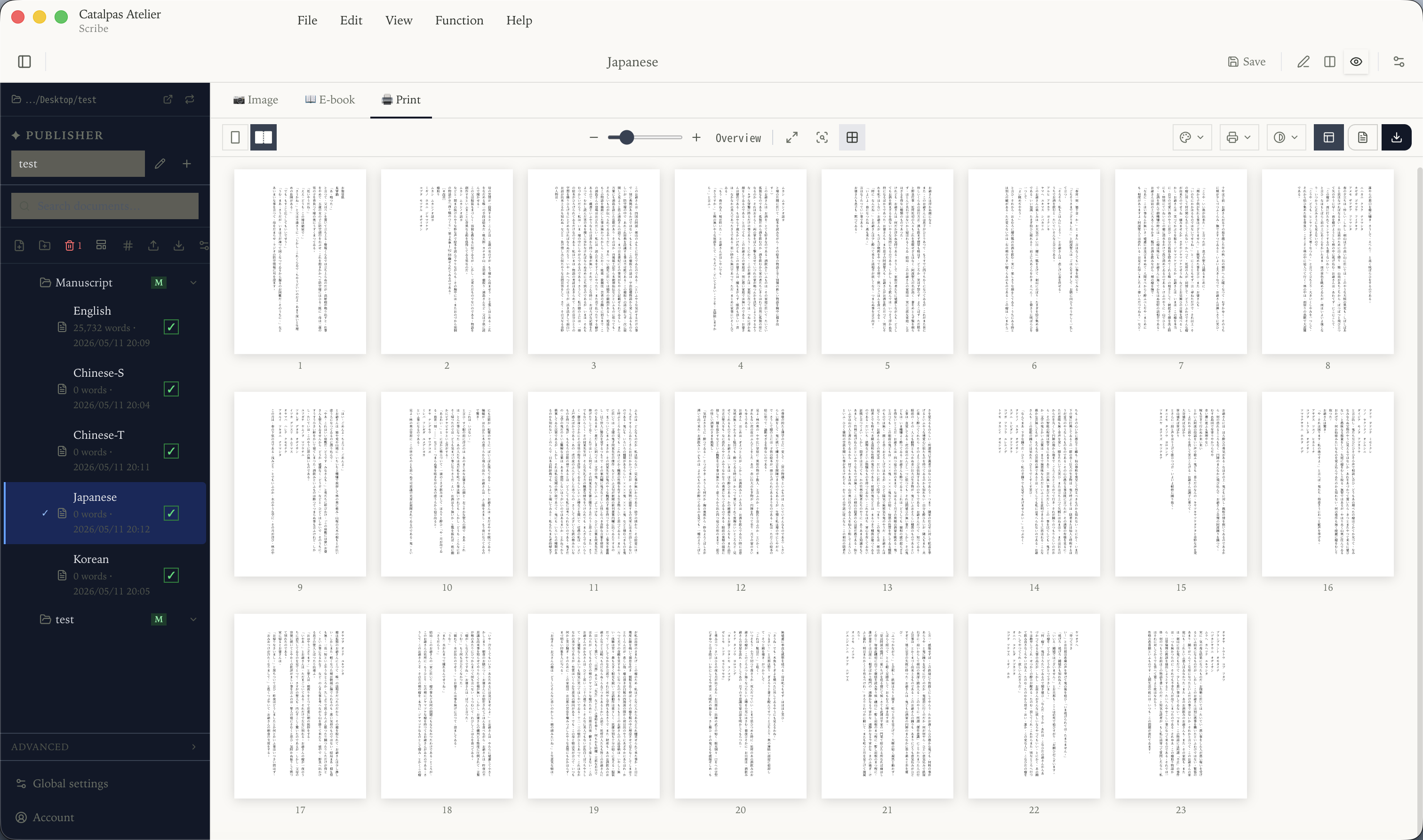
The Shortest Path from Markdown to a Print-Grade PDF Book
If you already write in Markdown but keep wrestling with 'the last step — typesetting,' here's a route that folds the whole pipeline into one app.
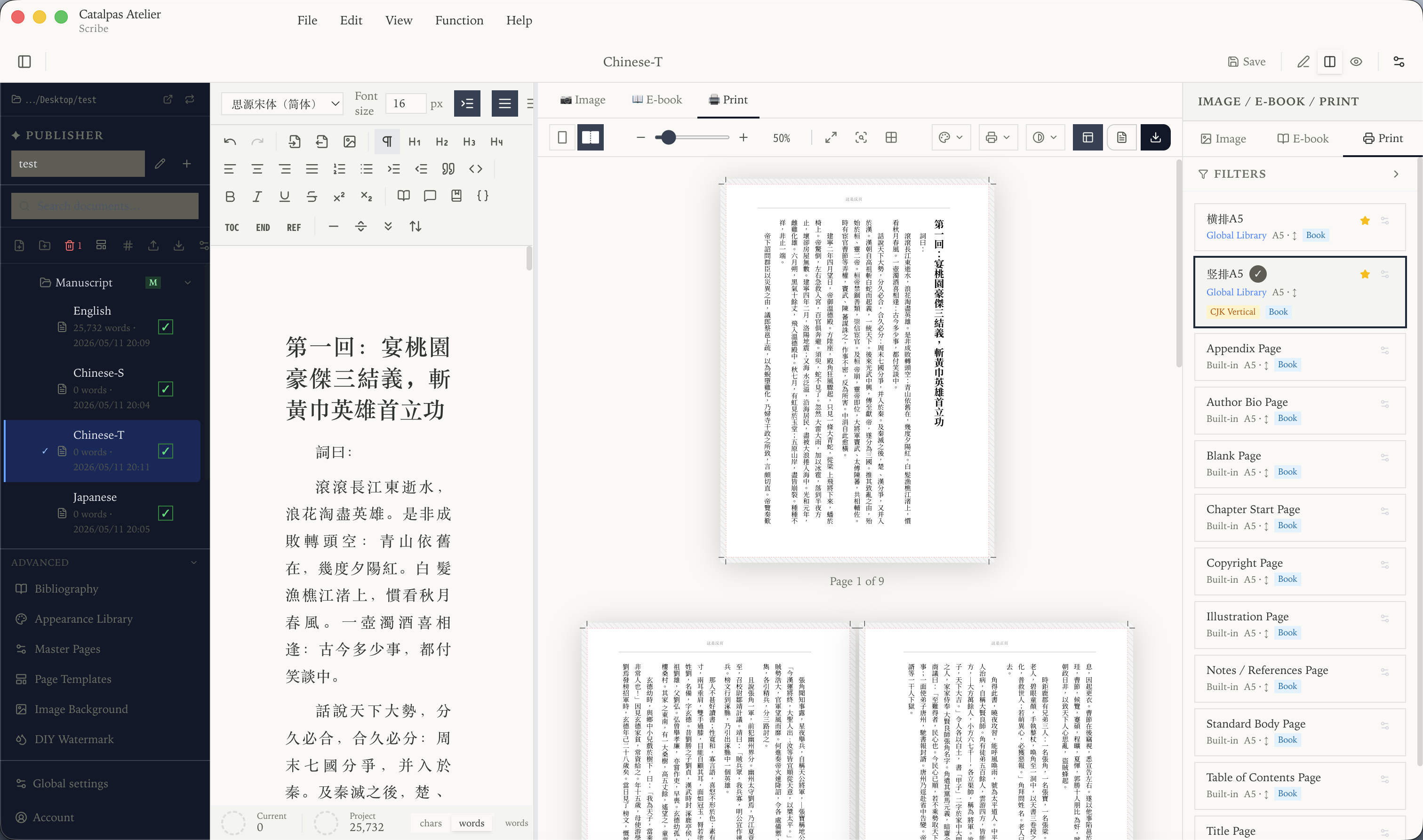
CJK Vertical Typesetting for Self-Publishing: Can One Desktop App Take You All the Way?
CJK vertical typesetting + ruby + print-grade PDF have long been a gray zone between Word and InDesign. Here's a realistic desktop-side route.
Export EPUB and Print PDF from One Source: An Indie Author's Single-File Workflow
EPUB and print PDF follow different layout logic, but the manuscript should only exist once. Here's a path that keeps the source single and the outputs multi-form.
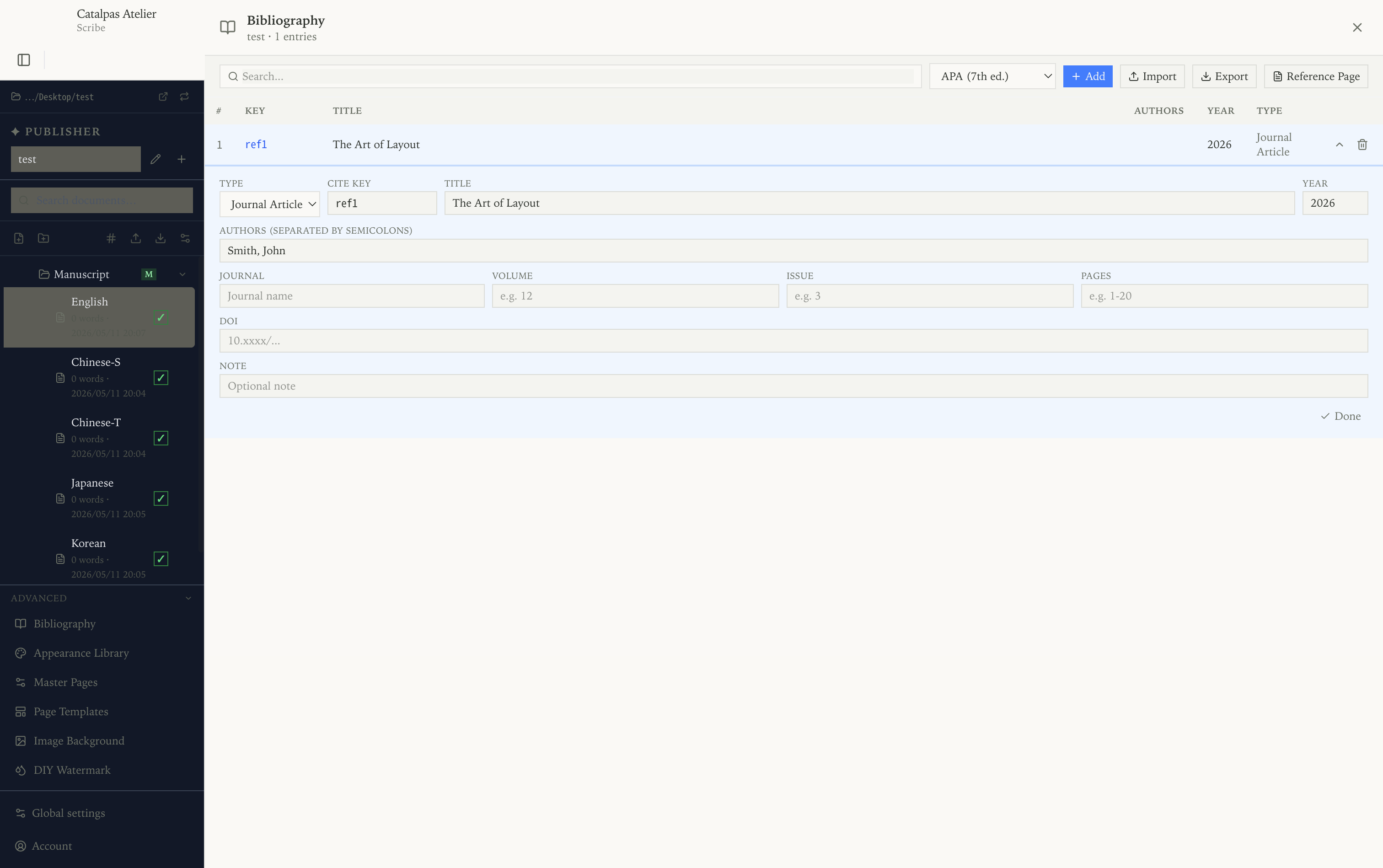
Academic and Nonfiction Writing: Bibliography and LaTeX Formulas in One Editor
Papers, nonfiction, and textbooks have long been fragmented across an 'editor + citation manager + formula typesetter' triad. Pulling them into one app is possible.
Local-First Writing Tools for Novelists: Keep the Manuscript on Your Computer
Cloud writing tools are convenient, but manuscript ownership and offline availability are separate dimensions. Local-first doesn't mean isolated.
Affordable InDesign alternative: book interiors on a smaller budget
A decision guide to lower-cost book-interior workflows, comparing InDesign, Affinity, Vellum, Atticus, Pandoc, and Scribe without preserving fixed prices.
Yearly roundups
A short, current shortlist for the year, refreshed annually.
How to Choose Typesetting Software for a Small Publisher in 2026
Compare InDesign, Affinity, Scrivener, Vellum, Atticus, and Scribe by layout complexity, EPUB, print PDF, platform, local workflow, and CJK needs.
Writing Software for Novelists in 2026
A documentation-based guide to writing software for long-form novels, comparing drafting, organization, export, local projects, and typesetting workflows.
EPUB export tools for self-publishers, 2026
2026's usable EPUB export tools, grouped by workflow type, with notes on retailer hand-off and a separate look at the technical-minded options.
Cross-platform (Windows / Mac / Linux) writing software, 2026
2026's writing software that genuinely runs on all three platforms — not web wrappers — grouped by scenario with fair pros and cons.
Workflows with
Connect Scribe to the writing, notes, and reference tools you already use.

Scribe and Obsidian: A Two-Stage Knowledge-Base + Manuscript Workflow
Obsidian is good for growing worldbuilding and research; Scribe is good for taking a long draft to a finished book. Splitting the work cleanly avoids cross-contamination between notes and prose, and avoids maintaining the same content in two places.
Scribe and Notion: The Handoff from Collaborative Outline to Solo Manuscript
Notion is good for team outlining and shared research; Scribe is good for turning a long draft into a book. This piece covers when to switch, the structural losses you'll hit on Markdown export, and where the knowledge goes once the book is out.
Scribe and Word: A docx-Bridged Round-Trip Review Workflow
Editors, collaborators, and publishers often only accept Word (or equivalents). This piece explains the docx bridge between Scribe and Word, version control across review rounds, and when to leave Word and come back to the Markdown side.
Scribe and Grammarly: An Optional Language-Review Workflow
A practical way to use Grammarly, ProWritingAid, or LanguageTool with Scribe while keeping Markdown in Scribe and reviewing small, reversible text selections.
Scribe and Reedsy Studio: The Version Boundary Between Co-editing Platform and Local Manuscript
Reedsy Studio fits cloud co-editing with a professional editor; Scribe fits author-led long-form and the print pipeline. This piece sets the boundary between the two, the styling gaps on the export path, and why print parameters belong back on the Scribe side.